

Creation Networks
AV Experts
Nationwide • Since 2006
- AV Sales
- Design
- Integration
- Support
Professional AV Equipment Sales • Nationwide AV Design, Integration & Support | Creation Networks
Creation Networks — nationwide AV experts since 2006. Professional audio-visual equipment sales, AV system design, integration, and support for video conferencing, control systems, audio, and displays.
SHOP ROOM TYPE & SIZES
-
27% off
Crestron
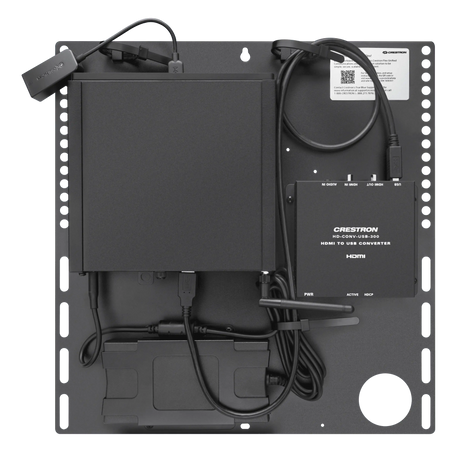
Crestron UC-CX100-T Crestron Flex Advanced Video Conference System IntegratRegular price $6,602.00 Sale price $4,788.00Unit price /Unavailable -
-
28% off
Crestron
Crestron UC-C100-T Flex Video Conference System Integrator Kit for MicrosofRegular price $4,622.00 Sale price $3,348.00Unit price /Unavailable -
-
Crestron
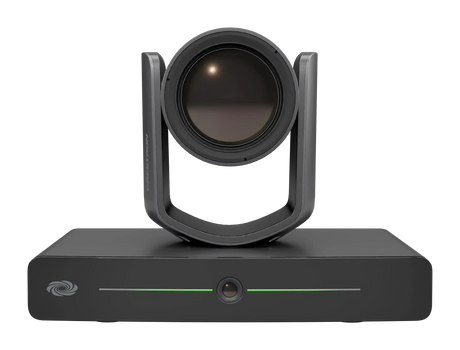
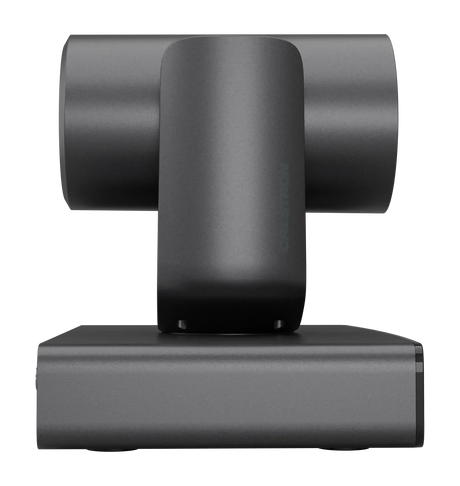
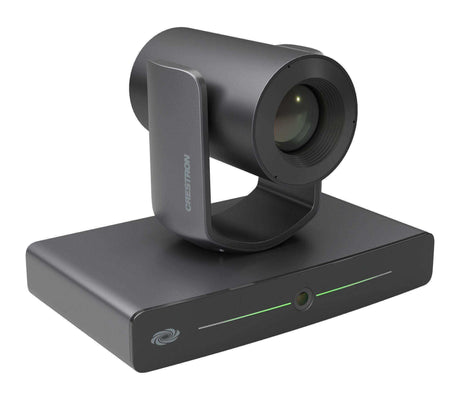
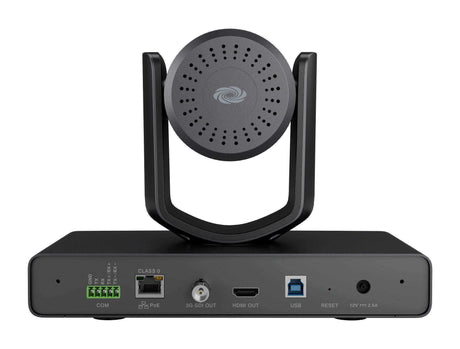
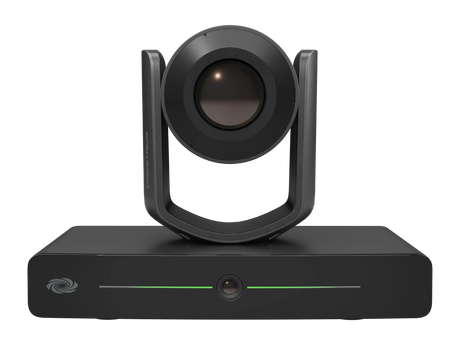
Crestron 1 beyond IV-CAM-I12-B i12 Intelligent PTZ Camera, 12x Optical ZoomRegular price $5,780.00Unit price /Unavailable -
-
Crestron
1 beyond IV-CAM-I20-B i20 Intelligent PTZ Camera, 20x Optical Zoom (Moon GrRegular price $11,090.00Unit price /Unavailable -
-
28% off
Crestron
Crestron UC-B30-T Flex Wall Mount Small Room Video Conference System for MiRegular price $5,454.00 Sale price $3,954.00Unit price /Unavailable -
-
40% off
Crestron
Crestron UC-B70-A-T Flex Large Room Conference Solution with All-In-One VidRegular price $10,870.00 Sale price $6,522.00Unit price /Unavailable -
-
28% off
Crestron
Crestron UC-B31-T Flex Small Room Conference System with Jabra PanaCast 50Regular price $6,780.00 Sale price $4,914.00Unit price /Unavailable -
-
40% off
Crestron
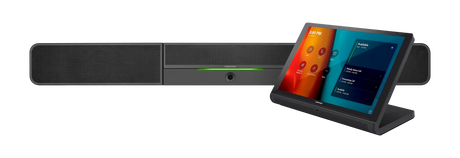
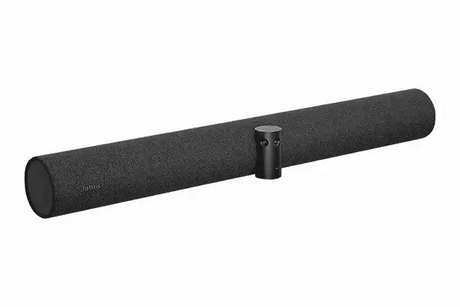
Crestron Jabra® PanaCast 50 Intelligent Video Bar - UC-SB-P50Regular price $2,380.00 Sale price $1,428.00Unit price /Unavailable -
-
28% off
Crestron
Crestron UC-BX31-T Crestron Flex Advanced Small Room Conference System withRegular price $8,274.00 Sale price $5,994.00Unit price /Unavailable -
-
27% off
Crestron
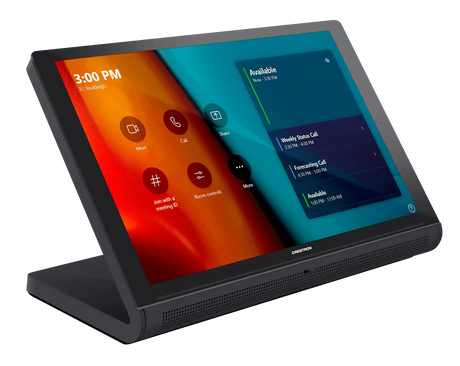
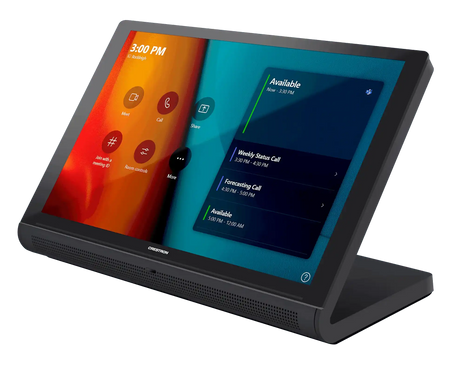
Crestron TSS-770-B-S 7 in. Room Scheduling Touch Screen (Black, Smooth)Regular price $1,198.00 Sale price $870.00Unit price /Unavailable -
-
New arrival
Lenovo
Lenovo ThinkSmart Core Gen 2 – Microsoft Teams Rooms ComputeRegular price $1,439.00Unit price /Unavailable -
-
Poly
HP Poly Studio G62 – Modular Conferencing Codec, Mount KitRegular price $2,816.00Unit price /Unavailable -
-
40% off
Crestron
Crestron UC-SB2-CAM-A-T Crestron Flex All-In-One Videobar 70 for MicrosoftRegular price $7,250.00 Sale price $4,350.00Unit price /Unavailable -
-
28% off
Crestron
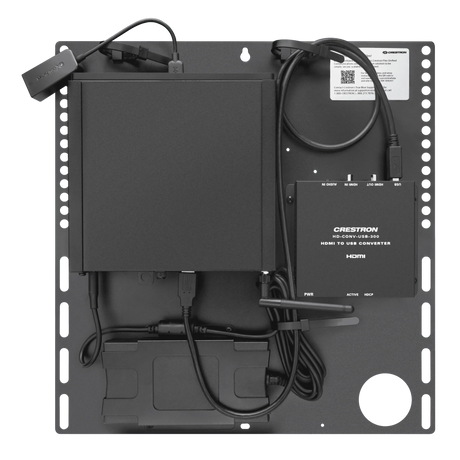
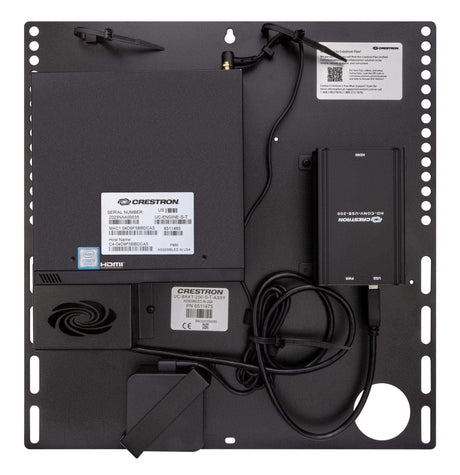
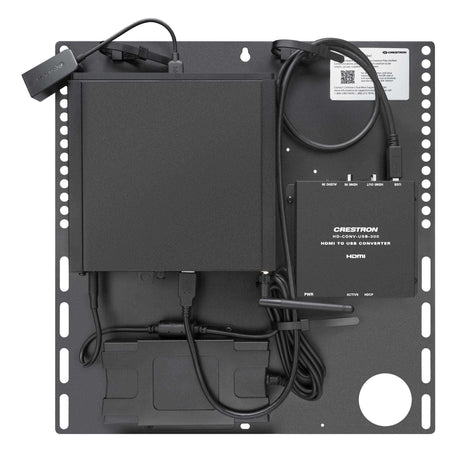
Crestron UC-ENGINE-BRKTX-T-UPGRD Flex Advanced Medium Room Upgrade SolutionRegular price $4,140.00 Sale price $3,000.00Unit price /Unavailable -
-
28% off
Crestron
Crestron UC-ENGINE-BRKT-T-UPGRD Flex Medium Room Upgrade Solution with MicrRegular price $3,420.00 Sale price $2,478.00Unit price /Unavailable -
-
28% off
Crestron
Crestron UC-CX100-T-GV Crestron Flex Advanced Video Conference System IntegRegular price $7,502.00 Sale price $5,436.00Unit price /Unavailable -











Frequently Asked Questions About Microsoft Teams Rooms
Clear, expert answers to the most common questions about Microsoft Teams Rooms (MTR) systems — from hardware selection and room design to deployment best practices. Written by our certified Crestron, Q-SYS, and Microsoft Teams Rooms specialists.
What is a Microsoft Teams Room system?
A Microsoft Teams Room (MTR) is a purpose-built, certified meeting room solution that combines professional AV hardware with the Microsoft Teams platform. It enables one-touch joining, content sharing, AI-enhanced cameras, and studio-quality audio for consistent, high-quality hybrid meetings.
What components do I need for a Teams Room setup?
A complete Microsoft Teams Room typically includes:
- Certified Teams compute device or PC
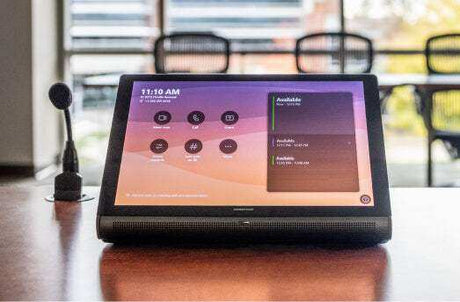
- Touch control console
- PTZ or AI-powered camera
- High-quality microphones (ceiling array or soundbar)
- Speakers and audio DSP (optional for larger rooms)
- Display(s) — single or dual 21:9 ultrawide recommended
Are all Teams Room systems compatible with Microsoft 365?
Yes. All certified Microsoft Teams Room systems are fully integrated with Microsoft 365. You can schedule, join, and manage meetings directly from the room console with native Teams functionality, calendar sync, and enterprise security features.
Which brands offer the best Teams Room systems?
Microsoft-certified leaders include:
- Logitech – Rally Bar series (excellent all-in-one)
- Crestron – Flex and Mercury systems
- Poly – Studio X and G7500
- Q-SYS – Native Teams integration
- Lenovo – ThinkSmart solutions
How do I choose the right Teams Room setup?
The best configuration depends on room size and use case:
- Huddle / Small rooms (4–6 people): All-in-one soundbars (Logitech Rally Bar)
- Medium conference rooms (8–12 people): Modular systems with PTZ cameras and ceiling mics
- Large / Executive rooms: Dual 21:9 displays, advanced audio DSP, and multiple cameras
Our specialists provide free room assessments and custom recommendations.
Can Creation Networks design and install Microsoft Teams Rooms nationwide?
Yes. We design, program, install, and support Microsoft Teams Rooms across all 50 states with consistent quality, documentation, and post-install training.
Do you provide full turnkey Teams Room deployment?
Absolutely. From needs assessment and design through procurement, installation, programming, staff training, and ongoing managed support — we handle the entire process as a single trusted partner.
How can I get started with a Microsoft Teams Room project?
Contact our Microsoft Teams Rooms specialists today for a free consultation, room assessment, and custom proposal.
Call 1-888-230-3661 or request a consultation online.


