

Creation Networks
AV Experts
Nationwide • Since 2006
- AV Sales
- Design
- Integration
- Support
Professional AV Equipment Sales • Nationwide AV Design, Integration & Support | Creation Networks
Creation Networks — nationwide AV experts since 2006. Professional audio-visual equipment sales, AV system design, integration, and support for video conferencing, control systems, audio, and displays.
Microsoft Signature Teams Rooms Packages and Systems

The Perfect Fit for Every Space
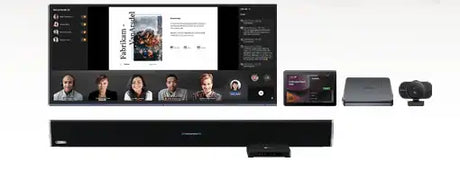
Our MTR packages include everything you need: interactive displays, PTZ cameras, DSP systems, microphones, and speakers. Solutions scale from small huddle rooms to large boardrooms and Microsoft’s elevated Signature designs.
Small Rooms Spaces for 2–6 people need compact, all-in-one solutions. Linked cameras and microphones deliver clear audio and video without extra devices. The Yealink A40 Collaboration MeetingBar is an excellent choice for these spaces.
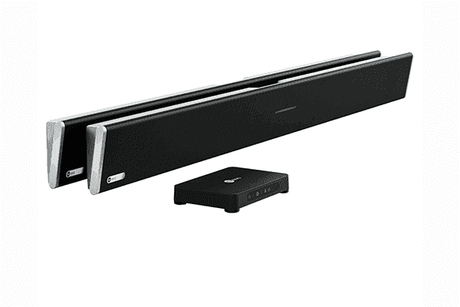
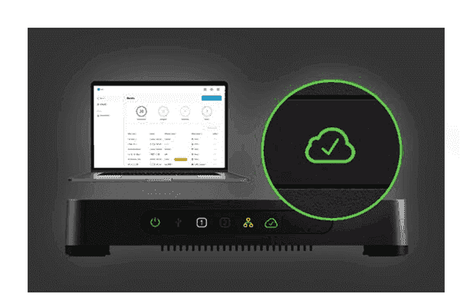
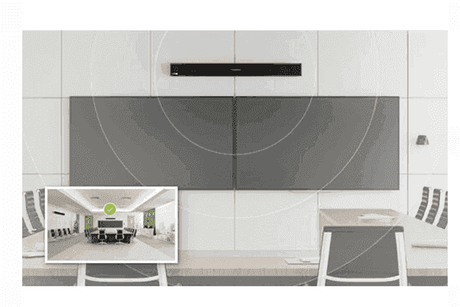
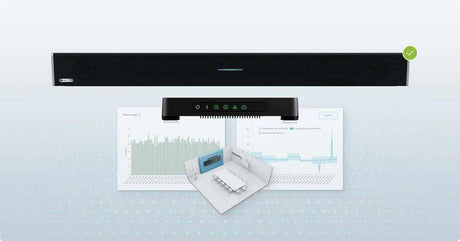
Medium Rooms Rooms for 6–12 participants require larger speakers, ceiling or wireless microphones, and panoramic or intelligent cameras. The Nureva HDL200 Soundbar pairs well with medium-room systems.
Large Rooms Bigger meetings demand multiple PTZ cameras and robust audio. Unified solutions from QSC, Crestron, Extron, and Biamp ensure seamless collaboration. The Biamp Tesira UC Bundle is a strong option for 18+ participants.
Signature Rooms
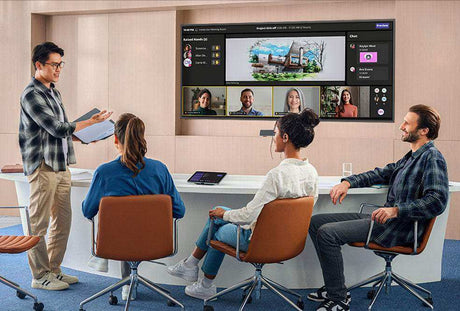
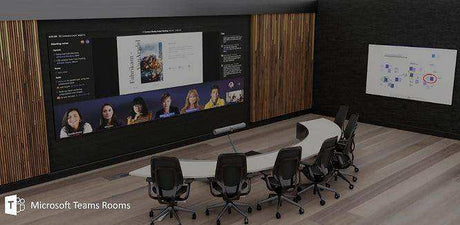
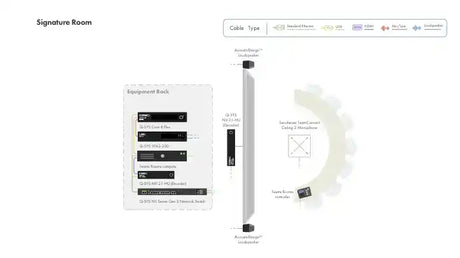
Microsoft Signature Teams Rooms are premium hybrid meeting spaces designed to Microsoft’s next-generation standards. They combine certified hardware (cameras, microphones, displays, and compute) with Teams software and optimized room layouts to deliver an exceptional, inclusive experience for both in-room and remote participants.
Key elements include:
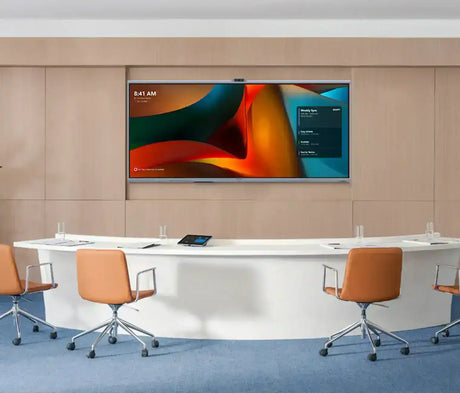
- Curved or “guitar-pick” / “gumdrop” tables that orient everyone face-to-face with remote attendees
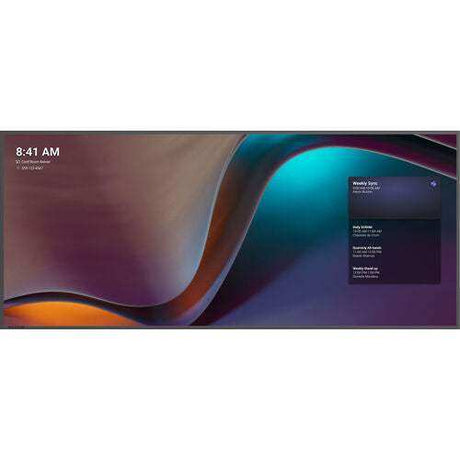
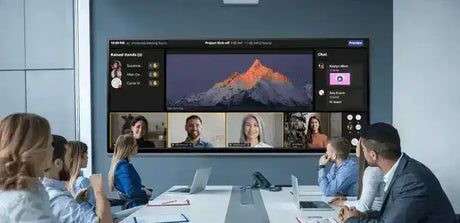
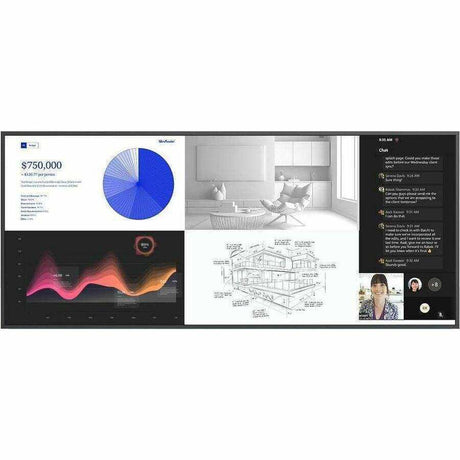
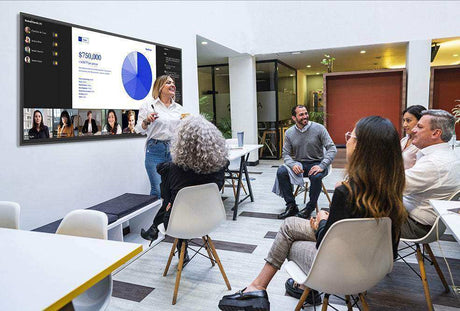
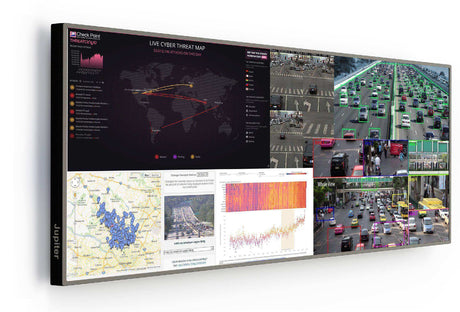
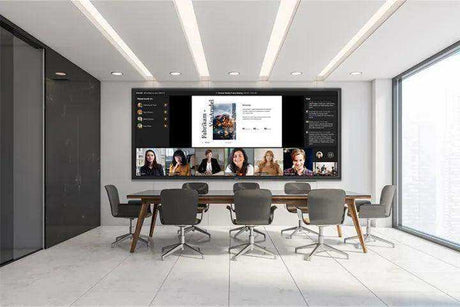
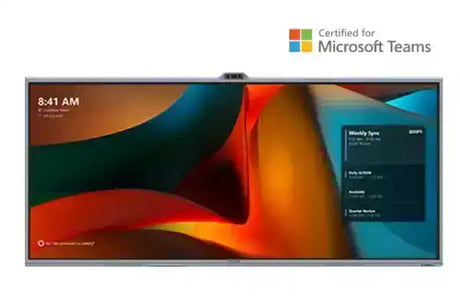
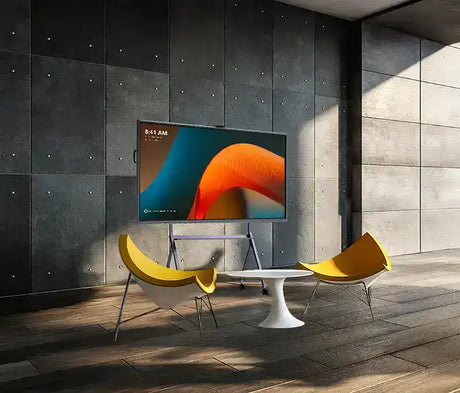
- Large 21:9 ultrawide displays optimized for Front Row layout (remote participants appear life-size and at eye level, alongside content and chat)
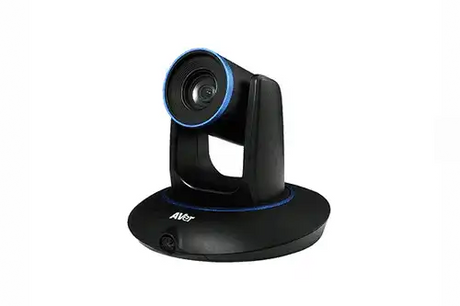
- AI-powered intelligent cameras that frame individuals and track speakers
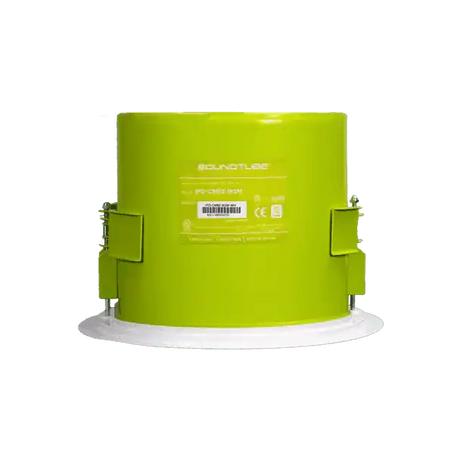
- Spatial audio that makes remote voices sound as if they come from their on-screen position
- Inclusive design so every participant feels equally engaged and represented
These rooms elevate hybrid meetings by creating more natural, immersive connections and reducing the gap between physical and remote participants.
Training Rooms Microsoft Teams Rooms for training spaces support both in-person and remote teams. Configurations emphasize interaction, content sharing, and engagement tools ideal for learning environments.
Education Teams Rooms packages for education bring students and educators together in remote or hybrid classrooms. Spaces are equipped with certified cameras, microphones, displays, and collaboration tools suited for teaching and learning.
Improving Collaboration with Microsoft Teams Rooms
A Microsoft Teams Room helps your team focus on connecting and creating. Here’s how it transforms daily meetings:
- Native Integration with Microsoft Teams — Schedule and join meetings directly from the calendar or Teams app with one-touch join.
- Studio-Quality Experience — Clear audio, intelligent cameras, and high-resolution (including 4K and 21:9 ultrawide) video.
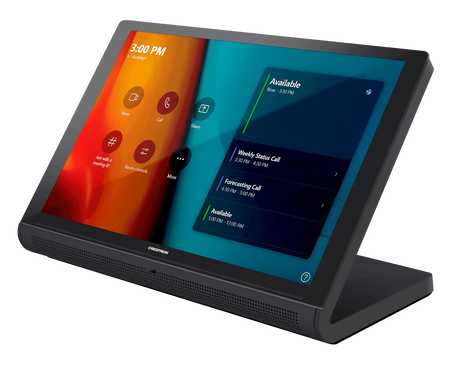
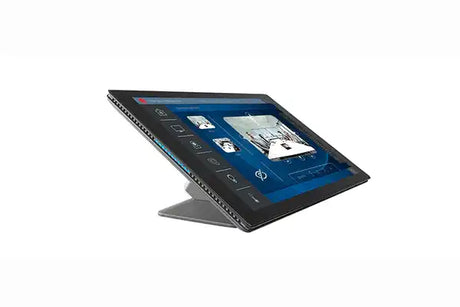
- Designed for People, Not Engineers — Intuitive touch console interface means anyone can start or join a meeting without technical expertise.
- Built for Today and Tomorrow — Systems scale with your needs—start simple and add cameras, microphones, or displays as your team grows.
Frequently Asked Questions
What is a Microsoft Teams Room? A Microsoft Teams Room (MTR) is a purpose-built meeting space that delivers an optimized audio-visual experience for Teams meetings. It uses certified cameras, microphones, speakers, displays, and a touch console, all tightly integrated with Microsoft Teams.
What are Microsoft Signature Teams Rooms? Signature Teams Rooms are Microsoft’s premium hybrid room standard. They feature specialized furniture layouts, 21:9 Front Row displays, AI-powered cameras, spatial audio, and inclusive design so remote and in-room participants feel equally present and engaged.
Is Microsoft Teams Room free? Microsoft Teams Rooms Basic is available at no charge (with limitations and a device limit of 25 rooms). You still need to purchase certified hardware. Teams Rooms Pro (recommended for most organizations and required for advanced features such as Front Row, intelligent audio/video, dual-screen support, and advanced management) is a paid per-room license.
How do I create a Teams Room? You need Microsoft-certified devices (compute/console, cameras, audio, displays) plus professional design, installation, and configuration. Creation Networks provides complete turnkey packages and expert installation services.
How does a Teams Room device work? The Teams Rooms compute and touch console connect to the network and sign in with a resource account. Once set up, users can join scheduled meetings with one touch, share content wirelessly, and control the room experience from the console.
Are Teams Rooms worth it? Yes—especially for organizations with frequent hybrid meetings. Certified systems deliver reliable, high-quality audio and video, reduce friction, improve inclusion, and boost productivity compared with ad-hoc or BYOD setups.
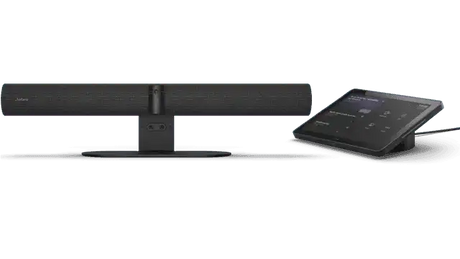
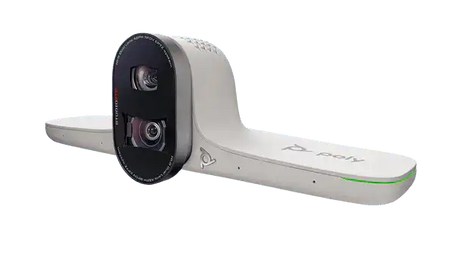
Which brands offer the best Teams Room systems? Leading Microsoft-certified manufacturers include Logitech, Crestron, Poly, Yealink, Q-SYS, Biamp, Lenovo, Jabra, and others. Creation Networks designs with the right combination for each room type and budget.
How do I choose the right Teams Room setup? Selection depends on room size, capacity, use case (huddle, standard meeting, Signature, training, education), and desired experience level. Smaller rooms often use all-in-one soundbars; larger or Signature rooms benefit from multi-camera systems, spatial audio, 21:9 displays, and purpose-designed furniture. Our team helps match the right solution to your space and goals.
SHOP ROOM TYPE & SIZES
-
15% off
MaxHub
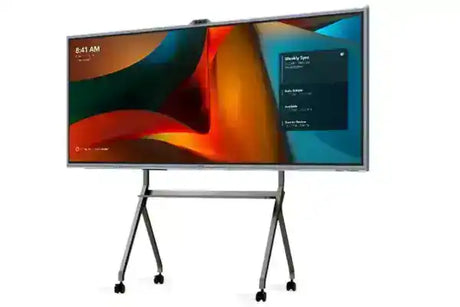
MaxHub UW92NA 92” Ultra Wide Commercial DisplayRegular price $8,193.00 Sale price $6,964.00Unit price /Unavailable -
-
9% offNew arrival
Creation Networks
Microsoft Teams Rooms System — 105" Ultrawide Signature Room BundleRegular price $22,869.99 Sale price $20,870.00Unit price /Unavailable -
-
Nureva
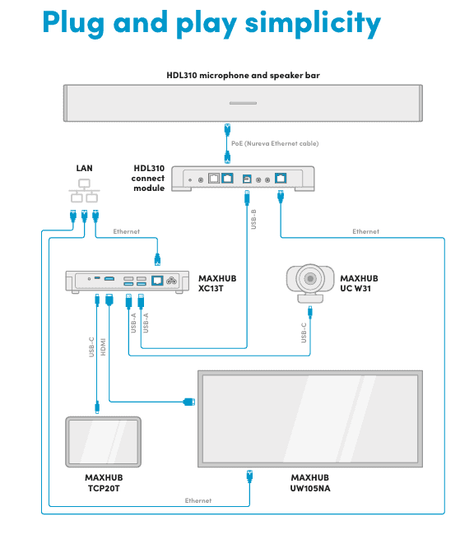
Nureva + MAXHUB Signature Microsoft Teams Room SolutionRegular price $15,000.00Unit price /Unavailable -
-
20% off
Crestron
Signature Microsoft Teams Room Bundle- Crestron Jupiter SalamanderRegular price $36,397.00 Sale price $29,000.00Unit price /Unavailable -
-
18% off
Crestron
Medium Signature Microsoft Teams Room 21:9 Ultrawide Auto Tracking Camera VRegular price $29,800.00 Sale price $24,500.00Unit price /Unavailable -
-
10% off
Avocor
Avocor Signature Microsoft Teams Room 21:9 Bundle – Medium Room Auto-FraminRegular price $24,355.00 Sale price $22,000.00Unit price /Unavailable -
-
13% off
Crestron
Crestron Microsoft Teams Rooms on Surface Hub - CN-MSH-MTRRegular price $17,250.00 Sale price $15,000.00Unit price /Unavailable -
-
19% off
QSC
Q-SYS Signature MTR Bundle – Complete Microsoft Teams Room Meeting SpaceRegular price $36,000.00 Sale price $29,000.00Unit price /Unavailable -
-
16% off
QSC
Q-SYS Signature Microsoft Teams Room – Spatial Audio BundleRegular price $16,702.99 Sale price $14,000.00Unit price /Unavailable -
-
MaxHub
MaxHub V925T XBoard V7 92” Ultra-Wide for Microsoft Teams Rooms,4K InteractRegular price $15,999.00Unit price /Unavailable -
-
16% off
Crestron
Crestron Medium Signature Microsoft Teams Room Ultrawide Display BundleRegular price $23,850.00 Sale price $20,000.00Unit price /Unavailable -
-
15% off
MaxHub
MaxHub UW105NA 105” Ultra Wide Commercial DisplayRegular price $12,357.00 Sale price $10,503.00Unit price /Unavailable -
-
Salamander Designs
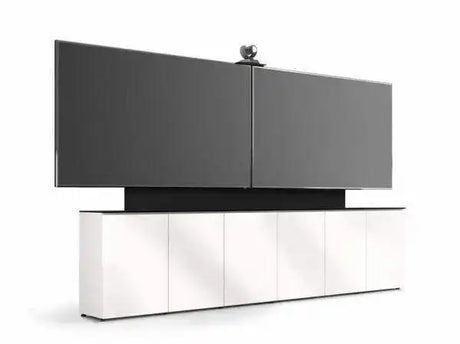
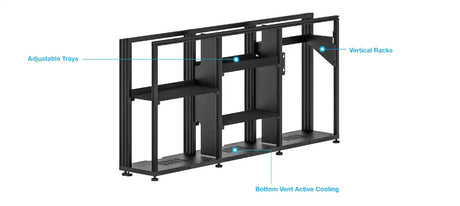
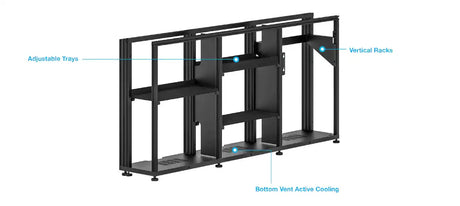
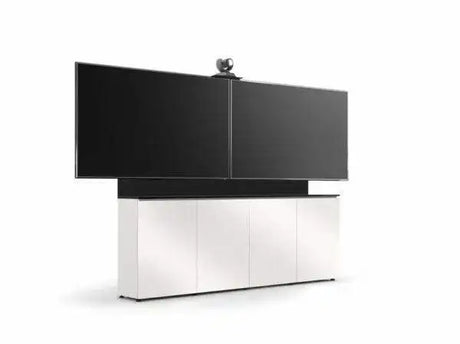
Salamander Signature Teams Rooms Low Profile (21.25"Deep) 6 Bay Free SRegular price $15,199.00Unit price /Unavailable -
-
Salamander Designs
Salamander Signature Teams Rooms Low Profile (12"Deep) 6 Bay Dry WallRegular price $12,499.00Unit price /Unavailable -
-
Salamander Designs
Salamander Signature Teams Rooms Low Profile (21.25"Deep) 4 Bay Free SRegular price $8,599.00Unit price /Unavailable -
-
Salamander Designs
Salamander Signature Teams Rooms Low Profile (12"Deep) 4 Bay Dry WallRegular price $7,999.00Unit price /Unavailable -


















Frequently Asked Questions About Microsoft Teams Rooms
Clear, expert answers to the most common questions about Microsoft Teams Rooms (MTR) systems — from hardware selection and room design to deployment best practices. Written by our certified Crestron, Q-SYS, and Microsoft Teams Rooms specialists.
What is a Microsoft Teams Room system?
A Microsoft Teams Room (MTR) is a purpose-built, certified meeting room solution that combines professional AV hardware with the Microsoft Teams platform. It enables one-touch joining, content sharing, AI-enhanced cameras, and studio-quality audio for consistent, high-quality hybrid meetings.
What components do I need for a Teams Room setup?
A complete Microsoft Teams Room typically includes:
- Certified Teams compute device or PC
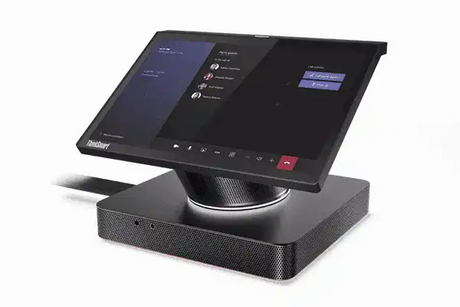
- Touch control console
- PTZ or AI-powered camera
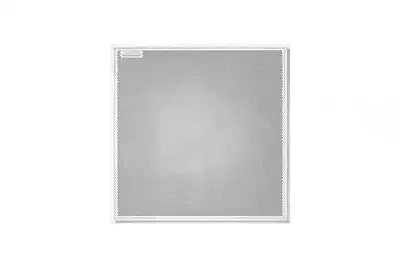
- High-quality microphones (ceiling array or soundbar)
- Speakers and audio DSP (optional for larger rooms)
- Display(s) — single or dual 21:9 ultrawide recommended
Are all Teams Room systems compatible with Microsoft 365?
Yes. All certified Microsoft Teams Room systems are fully integrated with Microsoft 365. You can schedule, join, and manage meetings directly from the room console with native Teams functionality, calendar sync, and enterprise security features.
Which brands offer the best Teams Room systems?
Microsoft-certified leaders include:
- Logitech – Rally Bar series (excellent all-in-one)
- Crestron – Flex and Mercury systems
- Poly – Studio X and G7500
- Q-SYS – Native Teams integration
- Lenovo – ThinkSmart solutions
How do I choose the right Teams Room setup?
The best configuration depends on room size and use case:
- Huddle / Small rooms (4–6 people): All-in-one soundbars (Logitech Rally Bar)
- Medium conference rooms (8–12 people): Modular systems with PTZ cameras and ceiling mics
- Large / Executive rooms: Dual 21:9 displays, advanced audio DSP, and multiple cameras
Our specialists provide free room assessments and custom recommendations.
Can Creation Networks design and install Microsoft Teams Rooms nationwide?
Yes. We design, program, install, and support Microsoft Teams Rooms across all 50 states with consistent quality, documentation, and post-install training.
Do you provide full turnkey Teams Room deployment?
Absolutely. From needs assessment and design through procurement, installation, programming, staff training, and ongoing managed support — we handle the entire process as a single trusted partner.
How can I get started with a Microsoft Teams Room project?
Contact our Microsoft Teams Rooms specialists today for a free consultation, room assessment, and custom proposal.
Call 1-888-230-3661 or request a consultation online.


