

Creation Networks
AV Experts
Nationwide • Since 2006
- AV Sales
- Design
- Integration
- Support
Professional AV Equipment Sales • Nationwide AV Design, Integration & Support | Creation Networks
Creation Networks — nationwide AV experts since 2006. Professional audio-visual equipment sales, AV system design, integration, and support for video conferencing, control systems, audio, and displays.
Microsoft Teams Education Solutions

Hybrid and blended education is here to stay
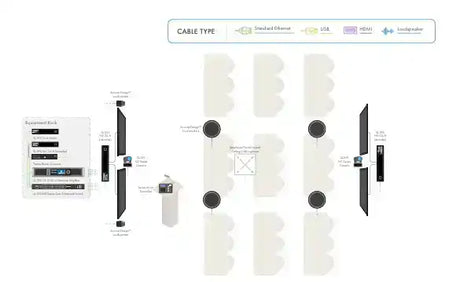
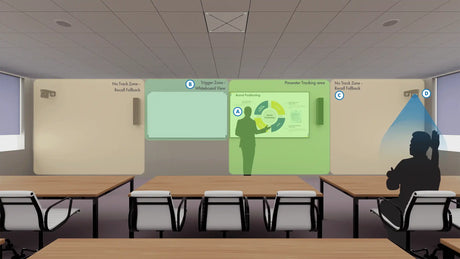
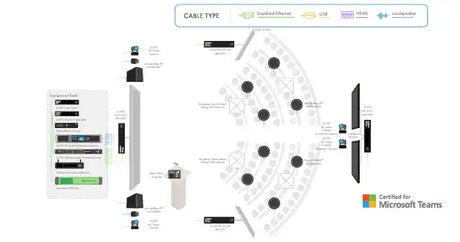
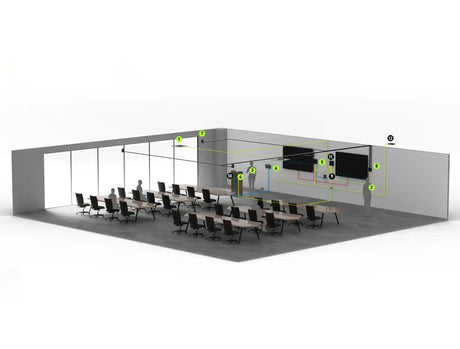
Microsoft Teams Rooms Packages and Systems. Microsoft Teams Rooms certified for education are physical spaces designed with hardware and software to support hybrid learning and collaboration, bringing together in-person and remote students and educators. These rooms enhance classrooms and meeting spaces with integrated microphones, cameras, and screens for high-quality audio and video, interactive tools like Microsoft Whiteboard, wireless content sharing, and seamless communication for hybrid classes.
The modern, hybrid classroom will be boundaryless. Students and educators will be empowered by synchronous and asynchronous learning as well as interactive, multi-modal engagement designed to meet the needs of every student in every circumstance. Teams devices have been designed to support a range of spaces so that no voice goes unheard.
SHOP ROOM TYPE & SIZES
-
17% off
QSC
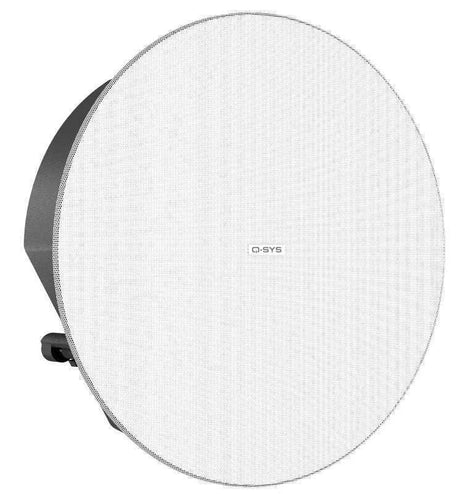
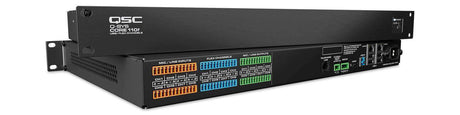
Q-SYS Microsoft Teams Room – Training RoomRegular price $35,069.99 Sale price $29,000.00Unit price /Unavailable -
-
17% off
QSC
Q-SYS Microsoft Teams Room – Flex SpaceRegular price $48,338.99 Sale price $40,000.00Unit price /Unavailable -
-
16% off
QSC
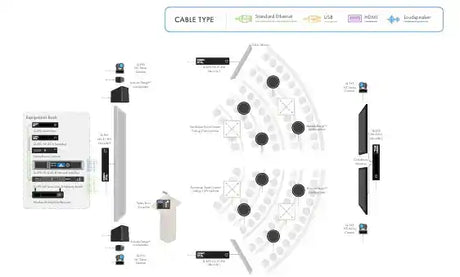
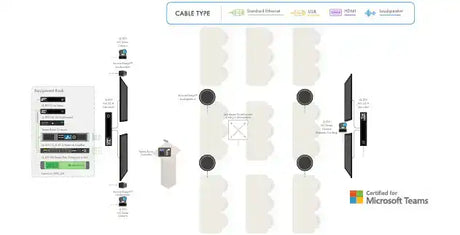
Q-SYS Microsoft Teams Room – All Hands SpaceRegular price $72,780.99 Sale price $61,000.00Unit price /Unavailable -
-
18% off
QSC
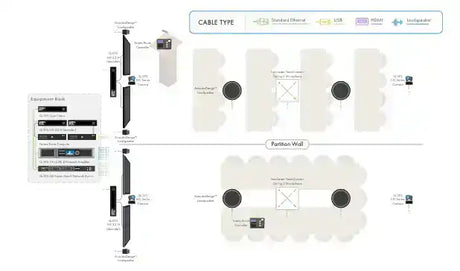
Q-SYS Microsoft Teams Room – Divisible RoomRegular price $63,374.99 Sale price $52,000.00Unit price /Unavailable -
-
17% off
QSC
Q-SYS Microsoft Teams Room – Classroom with VisionSuiteRegular price $53,959.99 Sale price $45,000.00Unit price /Unavailable -
-
15% off
QSC
Q-SYS Microsoft Teams Room – All Hands Space with VisionSuiteRegular price $77,696.99 Sale price $66,000.00Unit price /Unavailable -
-
17% off
QSC
Q-SYS Microsoft Teams Room – Training Room with VisionSuiteRegular price $53,959.99 Sale price $45,000.00Unit price /Unavailable -
-
Shure
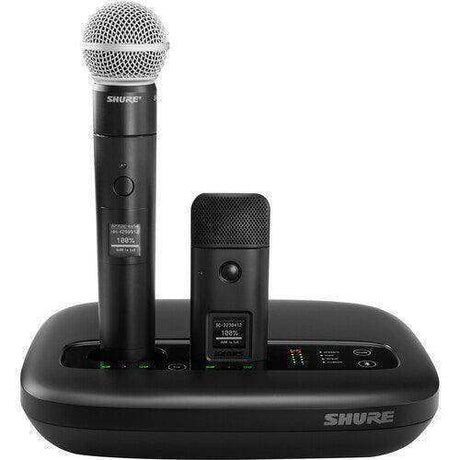
Shure IntelliMix Foundation System Base for Microsoft Teams RoomsRegular price $17,843.00Unit price /Unavailable -
-
4% off
Nureva
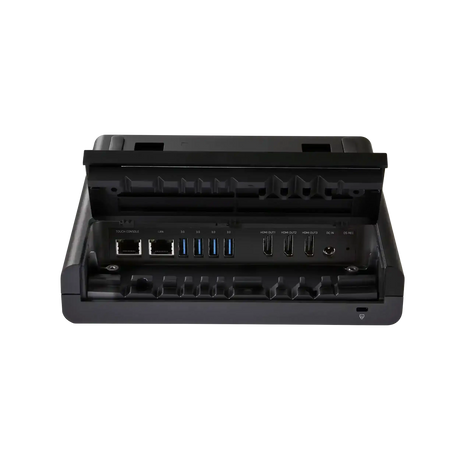
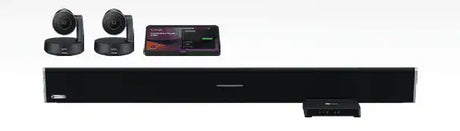
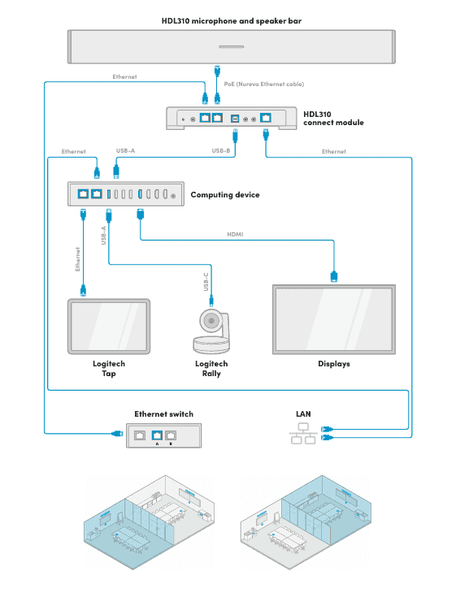
Nureva + Logitech Hybrid Classroom AV SolutionRegular price $7,979.05 Sale price $7,650.00Unit price /Unavailable -
-
8% off
Nureva
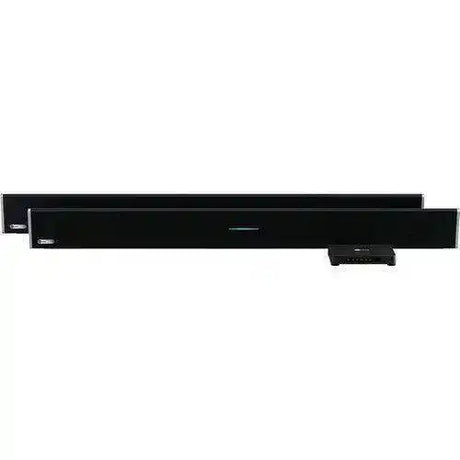
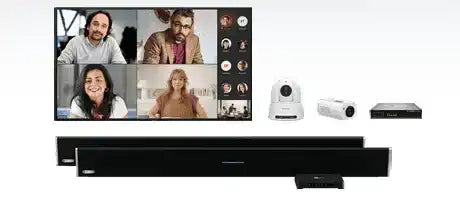
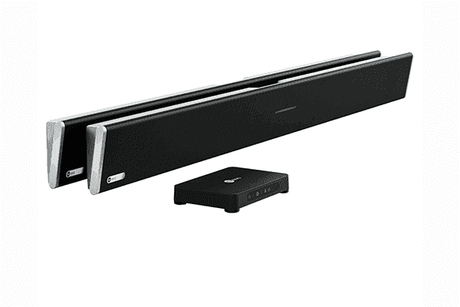
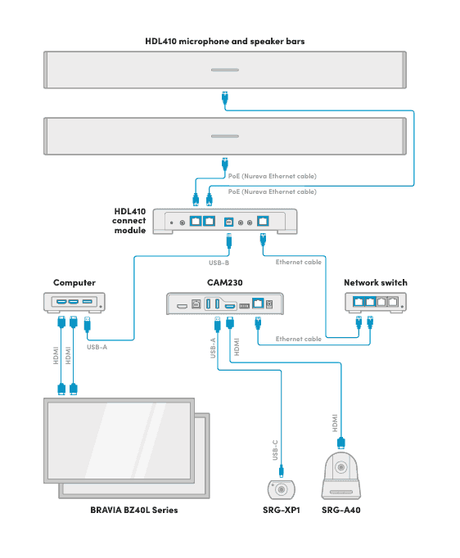
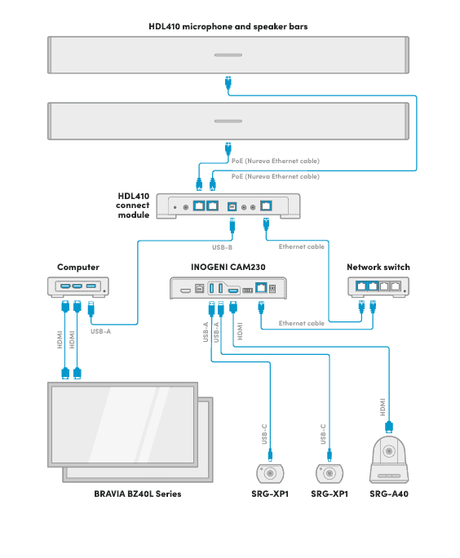
Nureva + Sony Auto Camera Switching – Hybrid Classroom AVRegular price $20,015.25 Sale price $18,500.00Unit price /Unavailable -
-
8% off
Nureva
Nureva + Sony Auto Camera Switching – Lecture Hall AVRegular price $22,940.00 Sale price $21,000.00Unit price /Unavailable -
-
 12% off
Crestron
Microsoft Teams Medium Training Room or Classroom Featuring Shure, CrestronRegular price $28,250.00 Sale price $25,000.00Unit price /Unavailable










Frequently Asked Questions About Microsoft Teams Rooms
Clear, expert answers to the most common questions about Microsoft Teams Rooms (MTR) systems — from hardware selection and room design to deployment best practices. Written by our certified Crestron, Q-SYS, and Microsoft Teams Rooms specialists.
What is a Microsoft Teams Room system?
A Microsoft Teams Room (MTR) is a purpose-built, certified meeting room solution that combines professional AV hardware with the Microsoft Teams platform. It enables one-touch joining, content sharing, AI-enhanced cameras, and studio-quality audio for consistent, high-quality hybrid meetings.
What components do I need for a Teams Room setup?
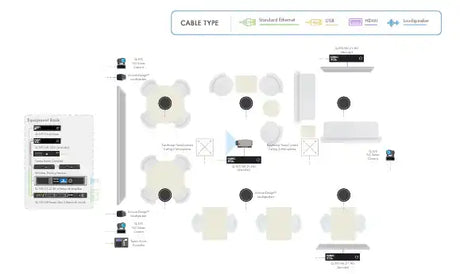
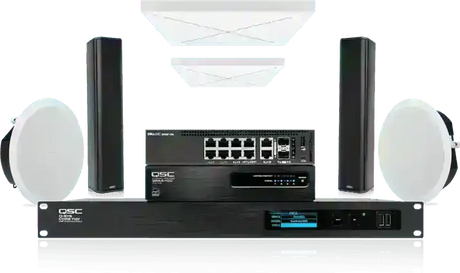
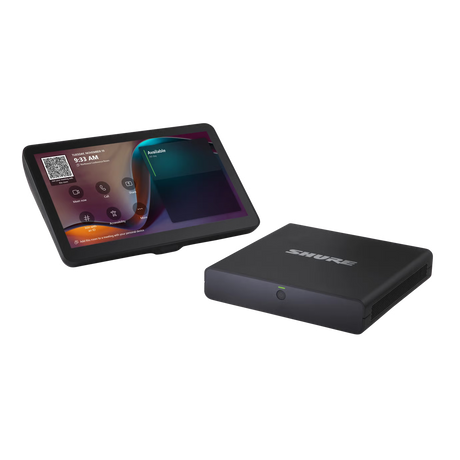
A complete Microsoft Teams Room typically includes:
- Certified Teams compute device or PC
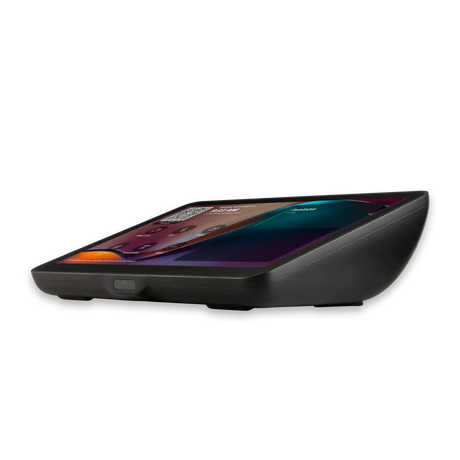
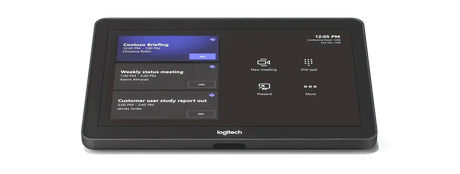
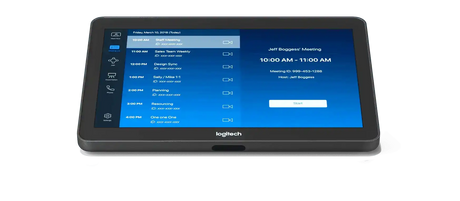
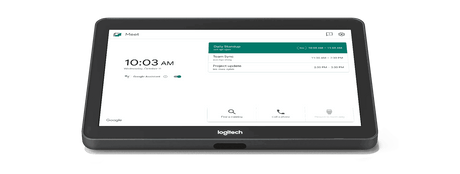
- Touch control console
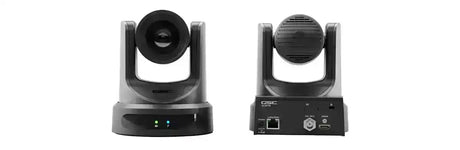
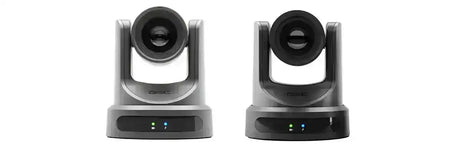
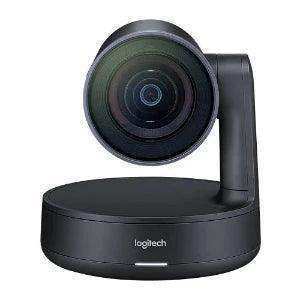
- PTZ or AI-powered camera
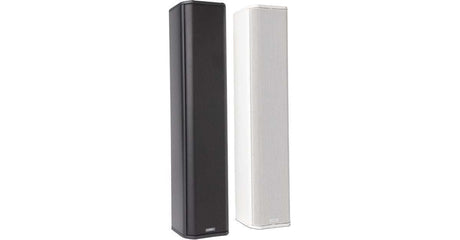
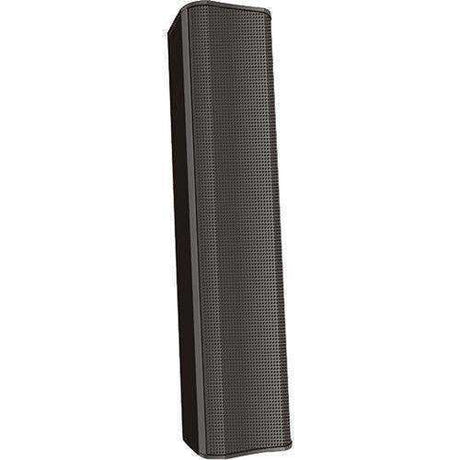
- High-quality microphones (ceiling array or soundbar)
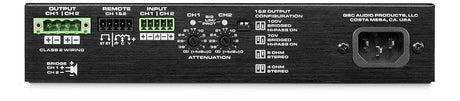
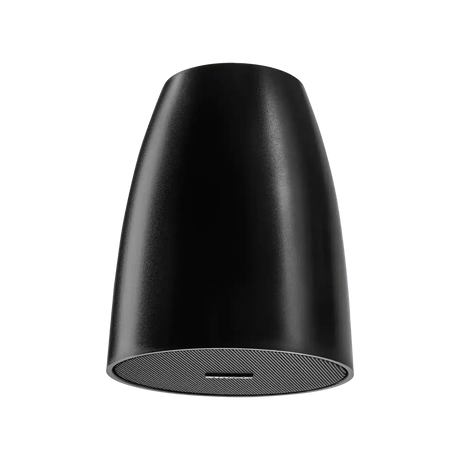
- Speakers and audio DSP (optional for larger rooms)
- Display(s) — single or dual 21:9 ultrawide recommended
Are all Teams Room systems compatible with Microsoft 365?
Yes. All certified Microsoft Teams Room systems are fully integrated with Microsoft 365. You can schedule, join, and manage meetings directly from the room console with native Teams functionality, calendar sync, and enterprise security features.
Which brands offer the best Teams Room systems?
Microsoft-certified leaders include:
- Logitech – Rally Bar series (excellent all-in-one)
- Crestron – Flex and Mercury systems
- Poly – Studio X and G7500
- Q-SYS – Native Teams integration
- Lenovo – ThinkSmart solutions
How do I choose the right Teams Room setup?
The best configuration depends on room size and use case:
- Huddle / Small rooms (4–6 people): All-in-one soundbars (Logitech Rally Bar)
- Medium conference rooms (8–12 people): Modular systems with PTZ cameras and ceiling mics
- Large / Executive rooms: Dual 21:9 displays, advanced audio DSP, and multiple cameras
Our specialists provide free room assessments and custom recommendations.
Can Creation Networks design and install Microsoft Teams Rooms nationwide?
Yes. We design, program, install, and support Microsoft Teams Rooms across all 50 states with consistent quality, documentation, and post-install training.
Do you provide full turnkey Teams Room deployment?
Absolutely. From needs assessment and design through procurement, installation, programming, staff training, and ongoing managed support — we handle the entire process as a single trusted partner.
How can I get started with a Microsoft Teams Room project?
Contact our Microsoft Teams Rooms specialists today for a free consultation, room assessment, and custom proposal.
Call 1-888-230-3661 or request a consultation online.


