


MaxHub MTR Kit Pro w/ Compute & Touch Console - XCORE KIT PRO

MaxHub MTR Kit Pro w/ Compute & Touch Console - XCORE KIT PRO is backordered and will ship as soon as it is back in stock.
Shipping Availability*
Shipping Availability*
Free Ground Shipping on Most Orders Over $250.00
Looking for the best price or expert advice? Give us a call at 1-888-230-3661 or use the Live Chat below. Buying 1 or 100, you may qualify for greater savings beyond the advertised price.

MaxHub MTR Kit Pro w/ Compute & Touch Console - XCORE KIT PRO
Product Overview
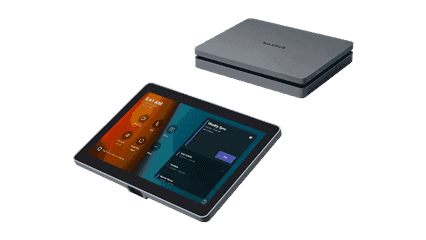
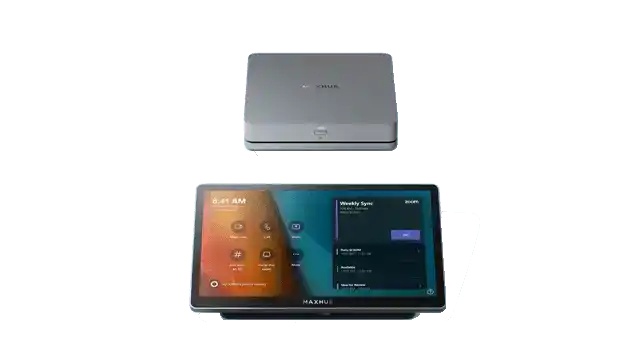
The MAXHUB XCORE KIT PRO is an upgraded Microsoft Teams Rooms kit targeting organizations that need greater compute performance in focus rooms, small conference rooms, and mid-size meeting spaces. Building on the proven XCORE KIT foundation, the PRO variant pairs an upgraded XC13T compute module with the same 10.1-inch TCP20T touch console, delivering a certified Teams Rooms on Windows platform suited to more demanding workloads. This Microsoft Teams Rooms compute kit is ideal for IT-managed deployments where peripheral flexibility is still required, while the higher-grade processor accommodates simultaneous content sharing, AI audio processing, and background compute tasks. Compared to the base XCORE KIT, the PRO is the right choice when room performance requirements exceed what an entry-level compute tier can reliably sustain.
Product Description

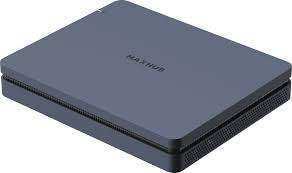
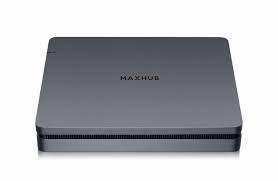
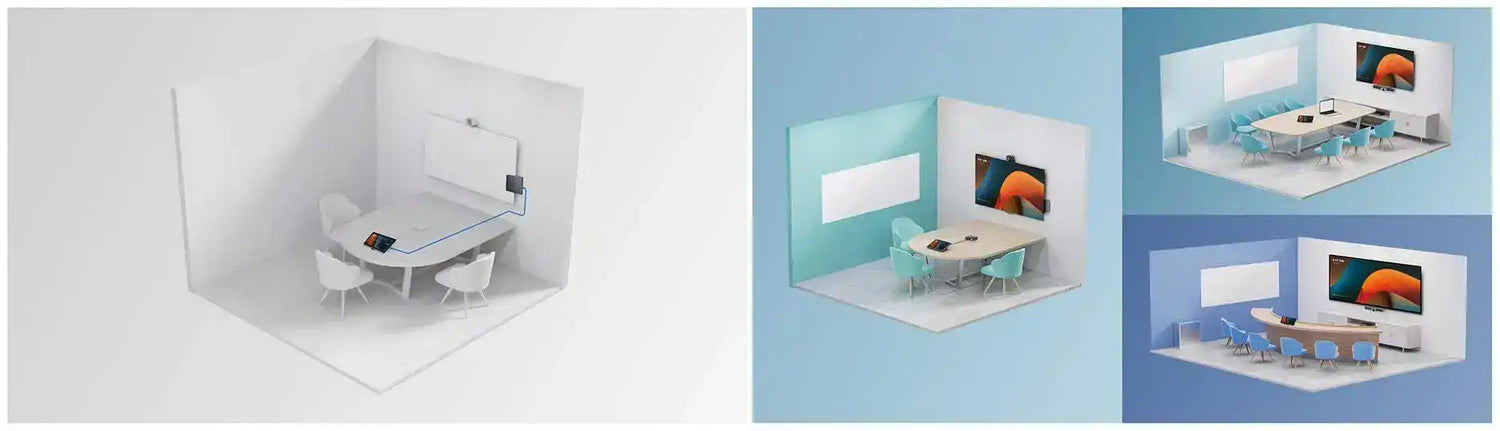
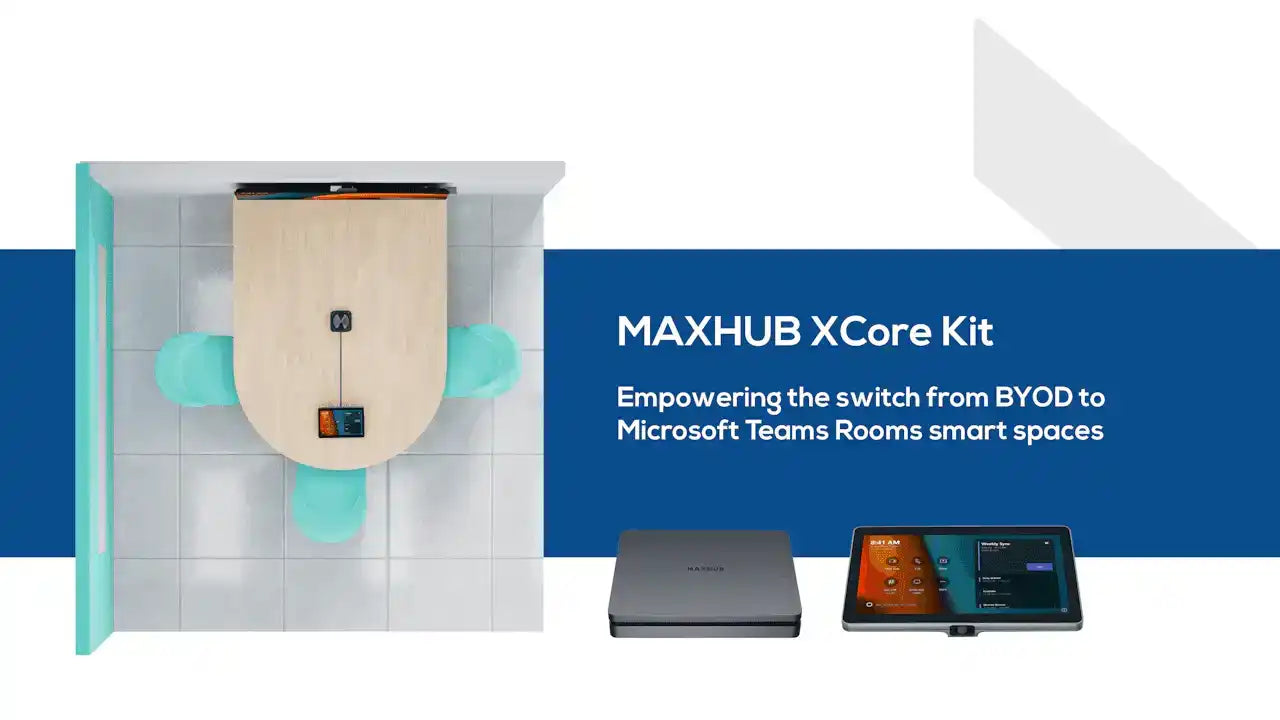
The MAXHUB XCORE KIT PRO includes the MAXHUB XC13T Pro compute module and the MAXHUB TCP20T 10.1-inch Touch Control Panel. The XC13T Pro runs Windows 11 IoT Enterprise with the Microsoft Teams Rooms application, providing the full certified MTR experience. A single cable connects the compute module to the touch console, keeping installation straightforward in any room type. The TCP20T motion sensor activates the room when participants enter, eliminating manual wake procedures. Like the base XCORE KIT, the PRO ships without bundled peripherals, giving integrators and IT teams the flexibility to pair it with the camera and audio solution best suited to each space. Consider the MAXHUB UC W31 4K USB Camera or the MAXHUB UC S07 Videobar for a complete room build. For a bundled kit option, compare the MAXHUB XT10-VB Kit, or explore all available kits in the MAXHUB collection at Creation Networks.
Key Features
- Microsoft Teams Rooms Certified (PRO Compute) — The XCORE KIT PRO carries MTR on Windows certification with an upgraded compute module, supporting the full Teams Rooms feature set including one-touch join, dual-display output, and room calendar integration.
- Intel 12th Gen 10-Core i3 Pro Processor (XC13T Pro) — The upgraded compute tier handles simultaneous Teams Rooms tasks, AI-driven noise suppression from connected peripherals, and background updates without impacting meeting reliability.
- 10.1-Inch Touch Console with Motion Sensor (TCP20T) — The certified Teams Rooms front-of-room control panel provides one-touch meeting join, in-meeting controls, and automatic room activation via the integrated motion sensor.
- Single-Cable Deployment — One cable runs from the XC13T Pro to the TCP20T, reducing installation time and cable runs compared to multi-component systems.
- Windows 11 IoT Enterprise — Purpose-built OS for Teams Rooms ensures policy-controlled updates, restricted user access, and a locked-down room appliance experience.
- Peripheral-Agnostic Design — Connect USB cameras, speakerphones, and display extenders of your choice, accommodating rooms with varying size and AV infrastructure requirements.
- MAXHUB Pivot Remote Management — Compatible with MAXHUB’s Pivot device management platform, enabling IT administrators to monitor and manage deployed rooms remotely.
Typical Applications
- Small to mid-size conference rooms needing a higher-performance certified Teams Rooms compute kit
- Focus rooms and huddle rooms where IT standardization on Teams Rooms is required
- Government spaces requiring certified MTR hardware with proven remote management capability
- Commercial meeting spaces upgrading from BYOD to a fully managed Teams Rooms environment
- Training rooms and multi-purpose rooms where compute performance must support concurrent workloads
- All-hands rooms with secondary display requirements leveraging dual-output capability
Technical Specifications
| Kit Contents | |
|---|---|
| Compute Module | MAXHUB XC13T Pro Mini-PC |
| Touch Console | MAXHUB TCP20T 10.1" Touch Control Panel |
| XC13T Pro Compute Module | |
| Processor | Intel 12th Gen 10-Core i3 (Pro tier) |
| Operating System | Windows 11 IoT Enterprise |
| Certification | Microsoft Teams Rooms on Windows |
| TCP20T Touch Console | |
| Display Size | 10.1 inches |
| Sensor | Motion sensor (room wake) |
| Connection to Compute | Single cable |
| General | |
| Country of Origin | China |
| Shipping Weight | 19 lbs |
Specifications sourced from MaxHub (maxhub.com).
Frequently Asked Questions
What is the difference between the XCORE KIT and the XCORE KIT PRO?
The XCORE KIT PRO uses an upgraded XC13T Pro compute module with higher processing capacity compared to the base XCORE KIT. Both include the same TCP20T touch console and carry Microsoft Teams Rooms on Windows certification. The PRO is appropriate for rooms with higher performance demands or where additional compute headroom is needed for AI audio/video processing.
Is the XCORE KIT PRO certified for Microsoft Teams Rooms?
Yes. The XCORE KIT PRO is certified for Microsoft Teams Rooms on Windows, providing the full MTR feature set including one-touch join, room scheduling display, and Teams-native controls.
What peripherals are included with the XCORE KIT PRO?
The XCORE KIT PRO includes only the XC13T Pro compute module and the TCP20T touch console. Camera, speakerphone, and room display are not included and must be sourced separately.
How does the XCORE KIT PRO connect to a room display?
The XC13T Pro connects to a room display via HDMI or DisplayPort. The kit supports dual-display output for front-of-room content sharing alongside the console. The display is not included.
Can the XCORE KIT PRO be managed remotely?
Yes. The XCORE KIT PRO is compatible with MAXHUB Pivot, a remote device management tool that allows IT administrators to monitor health, push updates, and manage multiple deployed rooms from a central dashboard.
What support is available for the XCORE KIT PRO?
MAXHUB provides a 3-year advanced replacement warranty. For purchasing, configuration, and deployment support, contact Creation Networks directly.
At Creartion Networks, we do everything we can to create an excellent customer experience. This includes fast shipping and easy returns.
- Most in-stock orders placed Monday-Friday ship within 24-48 hours. General restrictions apply; please see our full shipping policy here.
- We offer a 30-day return policy from the delivery date on many products. Product restrictions apply. Restocking fees for the return of open-box items. Please see our full return policy here for more information.
Nationwide Audiovisual Services, Design, Installation & Support
Creation Networks is a trusted nationwide partner for complete audiovisual solutions — delivering expert AV system sales, professional design, programming, installation, and ongoing support to organizations across the United States.
From Microsoft Teams Rooms and enterprise video conferencing to LED video walls, live streaming production, and hybrid collaboration systems, we provide end-to-end AV integration using premium, certified technology from industry leaders including Crestron, Q-SYS, Shure, Extron, and Absen.
Whether you operate a single location or manage facilities nationwide, Creation Networks ensures your AV systems are designed for reliability, scalability, security, and long-term performance — helping your organization communicate more effectively and operate at peak efficiency.
CREATION NETWORKS — A PARTNER YOU CAN TRUST SINCE 2006


