

Creation Networks
AV Experts
Nationwide • Since 2006
- AV Sales
- Design
- Integration
- Support
Professional AV Equipment Sales • Nationwide AV Design, Integration & Support | Creation Networks
Creation Networks — nationwide AV experts since 2006. Professional audio-visual equipment sales, AV system design, integration, and support for video conferencing, control systems, audio, and displays.
Wireless Collaboration & Presentation Systems

Wireless Collaboration & Presentation Systems
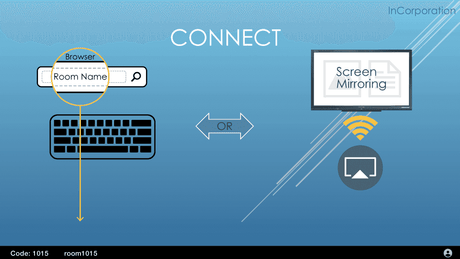
Wireless collaboration systems let people present from a laptop, tablet or phone to a room display without plugging in a cable. They support multi-user sharing, 4K resolution, annotation, guest access and encrypted connections, and they integrate with Microsoft Teams, Zoom and the room's existing control system.
The commercial case is simple: the cable is the single most common cause of a meeting starting late. A room with no cable has no wrong adapter, no damaged connector and no hunting for a dongle.
The three platforms most rooms come down to
- Barco ClickShare — a USB button the presenter plugs into their laptop and presses. Lowest learning curve of the three, and the one to specify where guests present often and nobody will install software.
- Mersive Solstice — software-based, running on a network appliance. Strongest for multi-user sessions where several people post content to the screen at once, and for campuses managing many rooms centrally.
- Crestron AirMedia — the choice where the room already runs Crestron control, since presentation and room control share one platform and one management layer.
All three do the core job. The decision is usually about guests, IT policy and what is already installed rather than feature lists.
Network and security come first
These are network devices, and in most organisations IT decides whether they go on the corporate network, a guest VLAN or their own isolated segment. That decision drives what is possible — a device on an isolated VLAN cannot be managed from the corporate network without a path opened for it.
Settle the network design with IT before ordering. It is the most common reason a wireless presentation rollout stalls after the hardware arrives.
What else the room needs
A wireless system replaces the cable, not the rest of the room. Pair it with a commercial display or interactive panel, and in rooms that also host video calls, with cameras and room audio. Where several rooms share a standard, room control keeps the user experience the same across all of them.
Creation Networks designs wireless collaboration into the room as a whole — platform selection against your IT policy, network design with your IT team, installation, and user training so the room gets used. CTS-D certified, nationwide, since 2006. Call 888-230-3661 or email sales@creationnetworks.net.
-
Barco
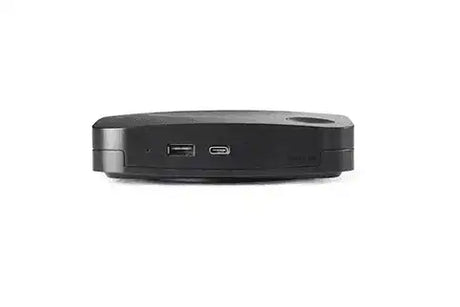
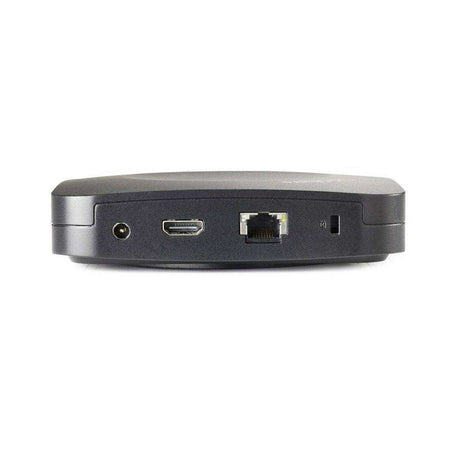
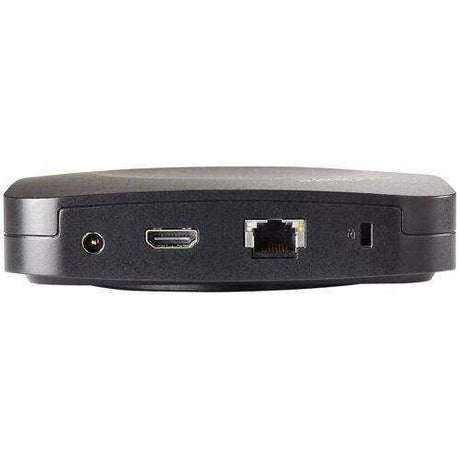
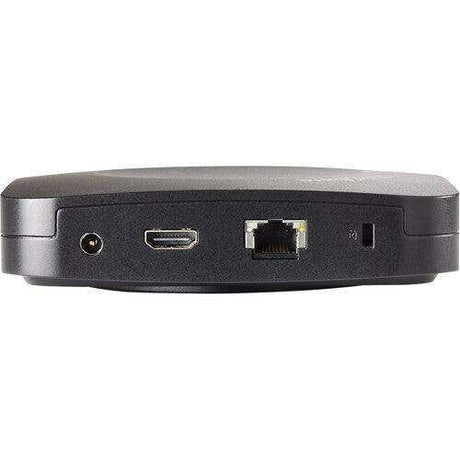
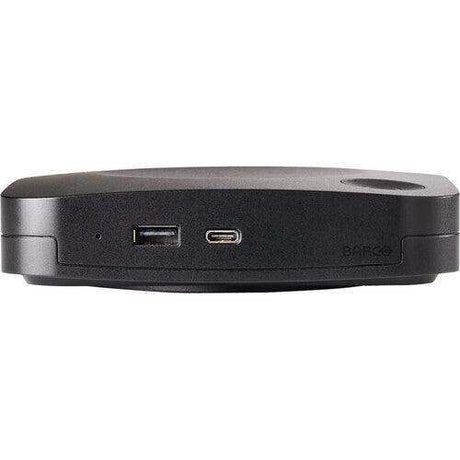
Barco CX-30 Gen 2 ClickShare Wireless Collaboration System - R9861613USB2 (Regular price $2,775.00Unit price /Unavailable -
-
Biamp
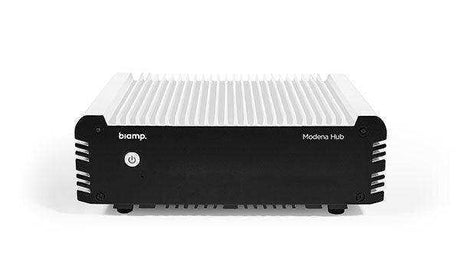
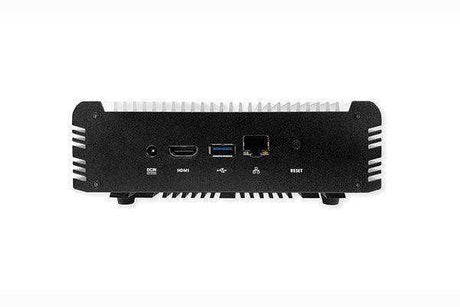
Biamp Modena Hub+ Wireless Presentation System - 911.1737.900Regular price $1,272.00Unit price /Unavailable -
-
40% off
Crestron
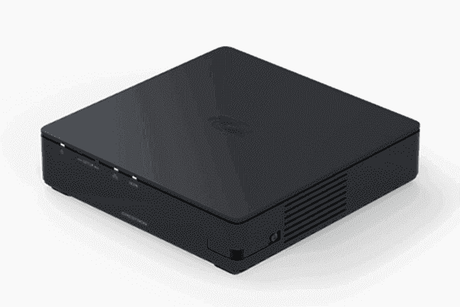
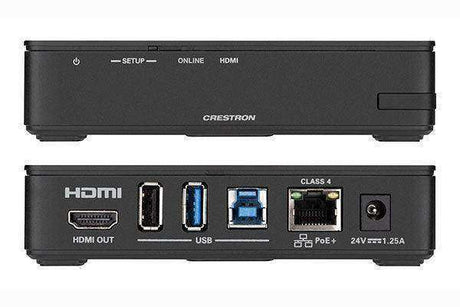
Crestron AirMedia® Receiver 3000 with Wi‑Fi® Network Connectivity - AM-3000Regular price $1,250.00 Sale price $750.00Unit price /Unavailable -
-
33% off
ViewSonic
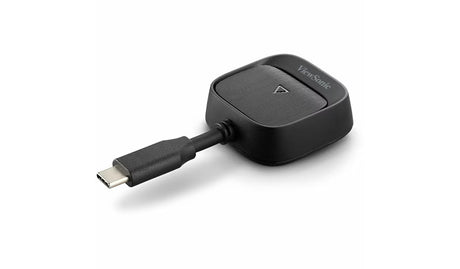
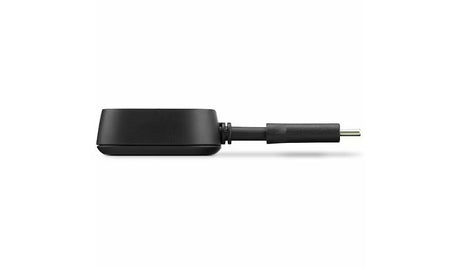
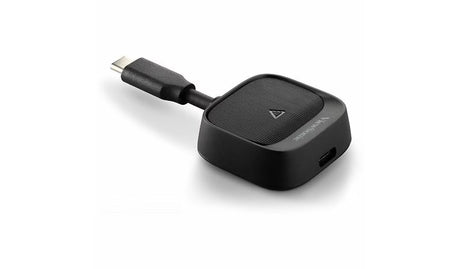
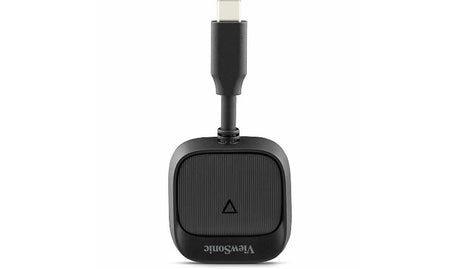
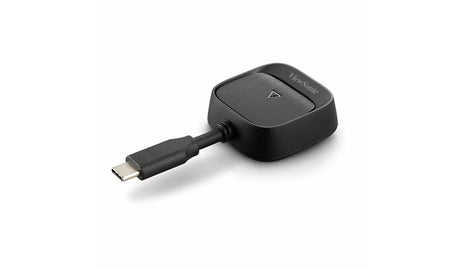
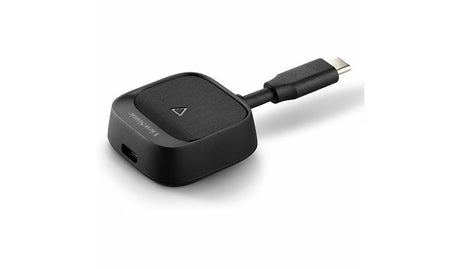
ViewSonic WPD-900 Wireless Presentation Dongle – USB-CRegular price $299.00 Sale price $199.99Unit price /Unavailable -
-
Barco
Barco ClickShare Gen 2 C-10 Wireless Presentation (C-10 Base, 1x Gen4 ButtoRegular price $1,425.00Unit price /Unavailable -
-
Barco
Barco ClickShare CX-20, Gen 2 Wireless Collaboration System (TAA)Regular price $2,225.00Unit price /Unavailable -
-
ScreenBeam
ScreenBeam 1100 Plus 4K Superior Wireless Display Receiver - SBWD1100PRegular price $1,199.99Unit price /Unavailable -
-
40% off
Crestron
Crestron AM-TX3-100-CRADLE Tabletop Cradle for up to four AM-TX3-100 AdaptRegular price $170.00 Sale price $102.00Unit price /Unavailable -
-
-
-
Vivitek
Vivitek NC-X900 – Enterprise NovoConnect Wireless Presentation System, PoE,Regular price $999.00Unit price /Unavailable -
-

Barco
Barco PDS-4K HDMI Single/dual screen presentation switcher IN: 6x HDMI 2.0Regular price $10,780.00Unit price /Unavailable -
Barco
Barco PDS-4K HDMI & SDI with Audio/DisplayPort Card; Single/dual screenRegular price $14,800.00Unit price /Unavailable -
-

-
-
-
 40% off
Crestron
Crestron AM3-121 KIT AirMedia® Series 3 Kit with AM-3100-WF Receiver and ARegular price $3,000.00 Sale price $1,800.00Unit price /Unavailable












Frequently Asked Questions — Wireless Presentation & Collaboration
Straight answers on wireless presentation systems such as Crestron AirMedia, Barco ClickShare and Mersive Solstice for meeting rooms and classrooms.
What does wireless presentation do?
It lets people share a laptop, tablet or phone screen to the room display without cables, either by a button dongle or an app.
Button or app-based?
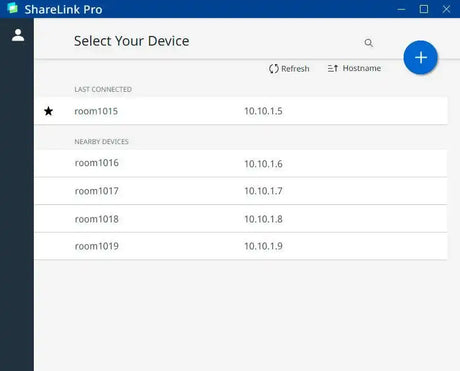
Button systems such as ClickShare are plug-and-share for guests. App-based systems such as AirMedia and Solstice support several users sharing at once.
Can wireless presentation join video calls?
Some systems, such as ClickShare conferencing models, connect the room camera and audio to a laptop’s own Teams or Zoom call wirelessly.
Does it work with BYOD meetings?
Yes. Bring-your-own-meeting systems let a visitor run their own call platform with the room’s camera and speakers.
Does it need the corporate network?
Systems can run on the corporate network, a guest network, or their own Wi-Fi. Enterprise models support certificates and network segregation.
Is screen sharing secure?
Enterprise systems encrypt the stream and can require a code shown on screen, so only people in the room can share.
Which brands do you carry?
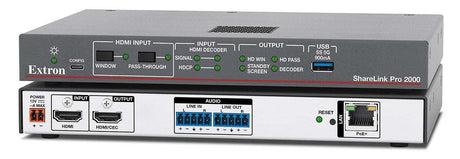
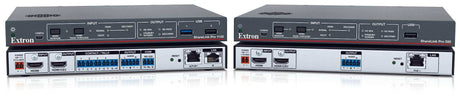
Crestron AirMedia, Barco ClickShare, Mersive Solstice, Extron, ScreenBeam, Logitech, Biamp and Yealink.
Do you install and manage these systems?
Yes. We install, configure with IT, and manage firmware across rooms. Call (888) 230-3661 or email sales@creationnetworks.net.
Nationwide Audiovisual Services, Design, Installation & Support
Creation Networks is a trusted nationwide partner for complete audiovisual solutions — delivering expert AV system sales, professional design, programming, installation, and ongoing support to organizations across the United States.
From Microsoft Teams Rooms and enterprise video conferencing to LED video walls, live streaming production, and hybrid collaboration systems, we provide end-to-end AV integration using premium, certified technology from industry leaders including Crestron, Q-SYS, Shure, Extron, and Absen.
Whether you operate a single location or manage facilities nationwide, Creation Networks ensures your AV systems are designed for reliability, scalability, security, and long-term performance — helping your organization communicate more effectively and operate at peak efficiency.
CREATION NETWORKS — A PARTNER YOU CAN TRUST SINCE 2006


