
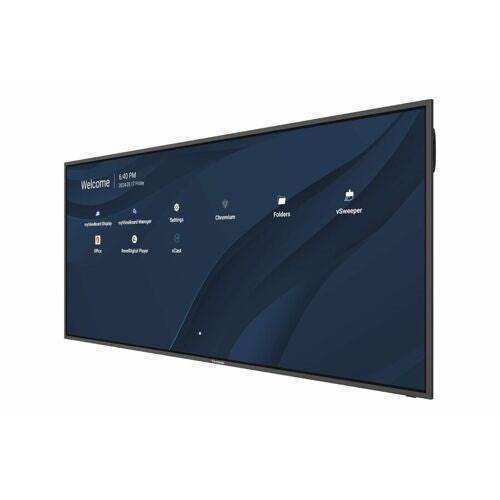
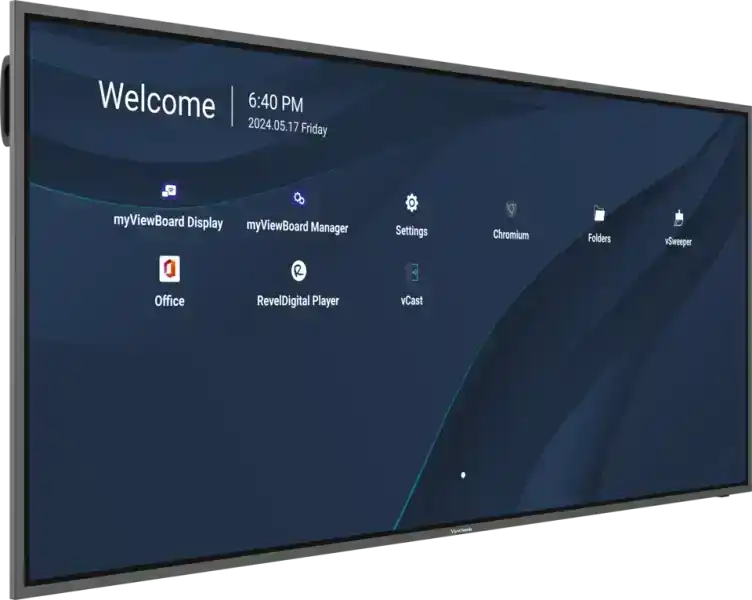
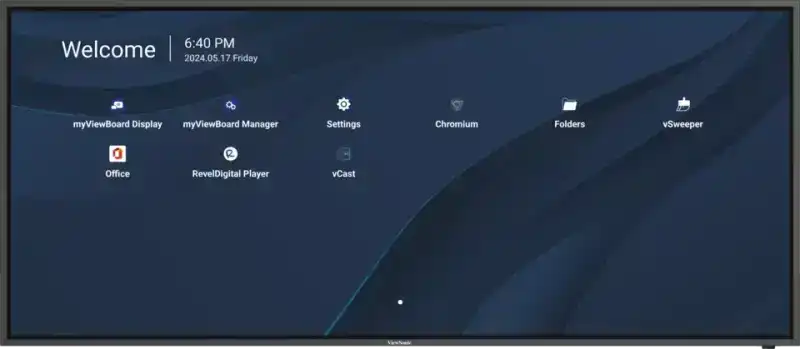
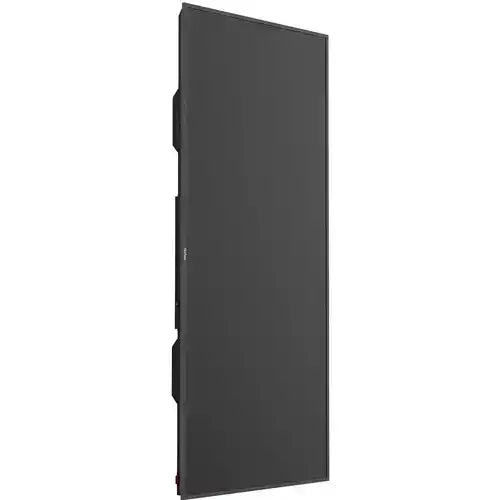
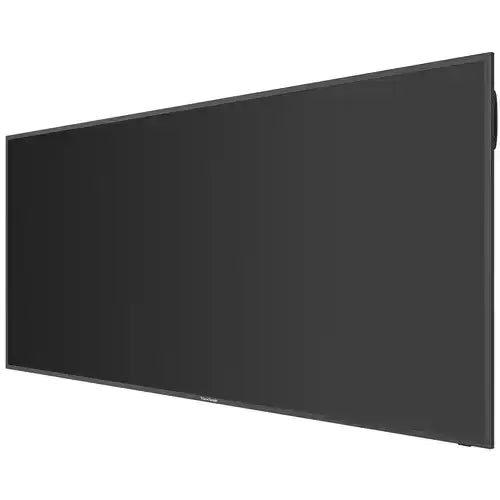
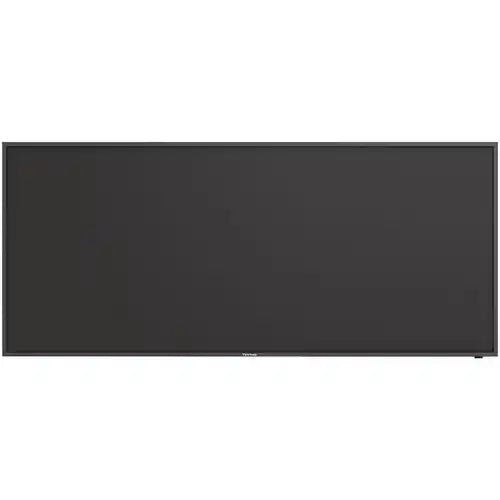
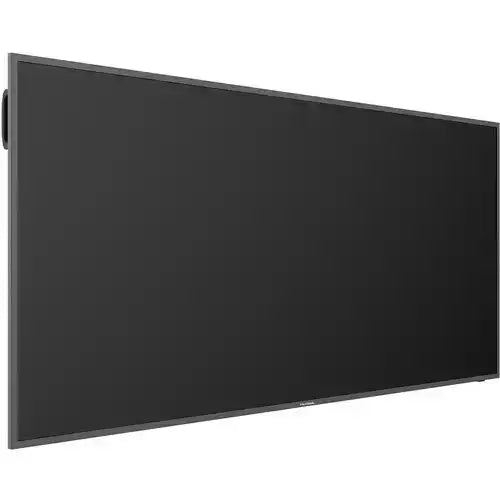


ViewSonic CDE92UW-MTRC 92" 5K Ultra-wide Display, Touch 21:9 Aspect Ratio, 5120 x 2160 Resolution
ViewSonic CDE92UW-MTRC 92" 5K Ultra-wide Display, Touch 21:9 Aspect Ratio, 5120 x 2160 Resolution is backordered and will ship as soon as it is back in stock.
Shipping Availability*
Shipping Availability*
Free Ground Shipping on Most Orders Over $250.00
Looking for the best price or expert advice? Give us a call at 1-888-230-3661 or use the Live Chat below. Buying 1 or 100, you may qualify for greater savings beyond the advertised price.

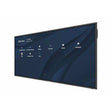
ViewSonic CDE92UW-MTRC 92" 5K Ultra-wide Display, Touch 21:9 A...
Product Overview
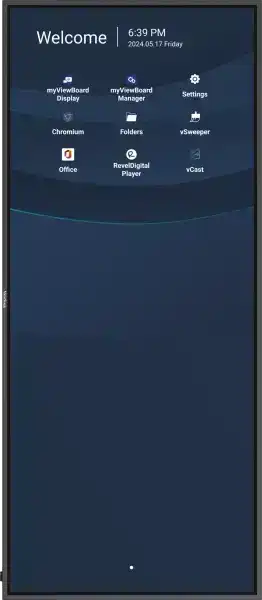
The ViewSonic CDE92UW-MTRC is a 92-inch 5K ultra-wide commercial display with native Microsoft Teams Rooms certification and integrated touch capability, designed for large conference rooms and executive boardrooms that require front-row collaboration layouts. Running at 5120x2160 resolution across a 21:9 aspect ratio, this display mirrors the panoramic field of view of Microsoft Teams Rooms Front Row mode—placing remote participants at eye level alongside in-room content for more natural hybrid meeting dynamics. The -MTRC suffix designates the touch-enabled, Microsoft Teams Rooms Certified variant of the CDE92UW platform, making it the premium tier for organizations deploying certified Teams Rooms hardware. Commercial-grade construction supports extended-hours operation with portrait or landscape orientation flexibility for dual-purpose digital signage and meeting room use.
Product Description


The CDE92UW-MTRC addresses the growing demand for ultra-wide displays in Microsoft Teams Rooms deployments. The 21:9 aspect ratio at 92 inches provides sufficient screen real estate to simultaneously display the remote meeting gallery, shared content, and in-room camera feed in a layout that feels less like a traditional presentation screen and more like a window into the remote environment. This is particularly effective in C-suite boardrooms and executive conference rooms where hybrid meeting experience quality is a priority.
The display is Microsoft Teams Rooms Certified, meaning it has passed Microsoft's interoperability testing for Teams Rooms environments. When paired with a compatible Teams Rooms compute device, the CDE92UW-MTRC delivers a validated, supportable configuration that simplifies procurement for IT departments and AV integrators working within Microsoft ecosystem deployments. The integrated touch capability (the "-C" in -MTRC) adds interactive annotation and content manipulation without requiring a separate touch overlay.
ViewSonic Cast content sharing software is included, enabling wireless streaming from virtually any device platform to the display—useful for ad-hoc presentations and BYOD environments outside of formal Teams Rooms use cases. ViewSonic Manager and Manager Advanced software provide centralized remote management for multi-display deployments, which reduces on-site IT support requirements in enterprise installations.
The display fits within a standard cargo elevator, an important logistics consideration for high-rise building installations where freight elevator dimensions restrict panel delivery. The ultra-slim bezel maintains a professional aesthetic in premium commercial spaces, and portrait orientation support allows the same display to serve digital signage applications in lobbies or atria when not configured as a conference room display.
Connectivity includes HDMI inputs, USB-C, and USB ports. The display is Crestron Connected certified, and Extron and AMX compatible, supporting full integration with enterprise AV control systems for room automation.
Key Features
- 92" 5K Ultra-Wide Panel — 5120x2160 resolution at 21:9 aspect ratio delivers panoramic visuals optimized for hybrid meeting layouts and large-format content sharing.
- Microsoft Teams Rooms Certified — Validated interoperability with Teams Rooms systems ensures a supported, standardized deployment configuration for IT and AV integrators.
- Integrated Touch (MTRC) — Built-in touch capability supports interactive annotation and content manipulation without a separate overlay or peripheral.
- 21:9 Optimized for Teams Front Row — Aspect ratio aligns with Microsoft Teams Rooms Front Row mode, placing remote participants at eye level alongside in-room content.
- Commercial-Grade Construction — Built for extended daily operation with portrait and landscape orientation support for dual-purpose conference and signage deployments.
- ViewSonic Cast Software — Wireless content streaming from Windows, Mac, iOS, Android, and Chrome devices for BYOD and ad-hoc presentations.
- ViewSonic Manager / Manager Advanced — Centralized remote device management software for enterprise multi-display deployments reduces on-site support overhead.
- Crestron Connected / Extron / AMX Compatible — Certified for integration with leading AV control platforms for full room automation.
- Ultra-Slim Bezel — Clean, contemporary aesthetic appropriate for executive and premium commercial environments.
- Cargo Elevator Compliant — Panel dimensions fit standard cargo elevator specs, simplifying delivery logistics in high-rise commercial buildings.
- USB-C Connectivity — Single-cable connection for video, data, and power delivery from compatible source devices.
- Portrait/Landscape Orientation — Flexible mounting supports both conference room and digital signage deployment scenarios.
Typical Applications
- Boardroom
- Conference room
- Commercial meeting space
- All-hands room
- Government space
- Multi-purpose room
Technical Specifications
| Display Size | 92" |
| Panel Type | LCD |
| Native Resolution | 5120 x 2160 (5K Ultra-Wide) |
| Aspect Ratio | 21:9 |
| Orientation | Landscape / Portrait |
| Touch | Yes (integrated) |
| Microsoft Teams Rooms Certified | Yes |
| Video Inputs | HDMI, USB-C |
| USB | Yes (multiple ports) |
| AV Control | Crestron Connected, Extron, AMX compatible |
| Content Sharing Software | ViewSonic Cast |
| Management Software | ViewSonic Manager / Manager Advanced |
| Product Type | Commercial Display |
Frequently Asked Questions
Q: What is the difference between the CDE92UW-MTRC and the CDE92UW-MTR?
A: Both models are Microsoft Teams Rooms certified. The CDE92UW-MTRC adds integrated touch capability; the CDE92UW-MTR is the non-touch variant. If your Teams Rooms deployment requires interactive annotation or touch-based whiteboarding, the -MTRC is the appropriate choice. If touch is not a requirement, the -MTR offers the same certified Teams Rooms functionality at a lower price point.
Q: Does the CDE92UW-MTRC require a separate Teams Rooms compute device?
A: Yes. Microsoft Teams Rooms Certified displays require a validated Teams Rooms compute unit (such as a supported Intel NUC or similar MTR compute device) to run the Teams Rooms application. The display provides the certified screen and audio/video interface; the compute device runs the MTR software. Creation Networks can assist with complete Teams Rooms system design.
Q: How does the 21:9 aspect ratio benefit a Microsoft Teams Rooms deployment?
A: Microsoft Teams Rooms Front Row mode is designed for 21:9 displays. It places the remote participant gallery at the bottom of the screen at near eye-level, with shared content above—creating a more immersive and natural meeting experience compared to standard 16:9 layouts. This layout is particularly effective in conference rooms with tables that seat participants facing the display directly.
Q: Can the CDE92UW-MTRC be used for digital signage when not in a meeting?
A: Yes. The display supports portrait and landscape orientation and can run digital signage content through compatible signage players connected via HDMI or USB-C. Organizations can schedule the display for signage use outside of meeting hours, maximizing asset utilization in lobby or atrium configurations.
Q: Is the CDE92UW-MTRC compatible with Crestron and Extron control systems?
A: Yes. The display is Crestron Connected certified and compatible with Extron and AMX control systems, supporting standard AV control protocols for room automation, display power scheduling, input switching, and volume control.
Q: What are the installation requirements for a 92-inch display?
A: The CDE92UW-MTRC requires a heavy-duty commercial wall mount rated for the panel's weight. Structural wall reinforcement is typically required. The display is designed to fit within standard cargo elevator dimensions, which simplifies delivery in multi-story commercial buildings. Engage a licensed AV integrator for site survey and installation planning.
At Creartion Networks, we do everything we can to create an excellent customer experience. This includes fast shipping and easy returns.
- Most in-stock orders placed Monday-Friday ship within 24-48 hours. General restrictions apply; please see our full shipping policy here.
- We offer a 30-day return policy from the delivery date on many products. Product restrictions apply. Restocking fees for the return of open-box items. Please see our full return policy here for more information.
Nationwide Audiovisual Services, Design, Installation & Support
Creation Networks is a trusted nationwide partner for complete audiovisual solutions — delivering expert AV system sales, professional design, programming, installation, and ongoing support to organizations across the United States.
From Microsoft Teams Rooms and enterprise video conferencing to LED video walls, live streaming production, and hybrid collaboration systems, we provide end-to-end AV integration using premium, certified technology from industry leaders including Crestron, Q-SYS, Shure, Extron, and Absen.
Whether you operate a single location or manage facilities nationwide, Creation Networks ensures your AV systems are designed for reliability, scalability, security, and long-term performance — helping your organization communicate more effectively and operate at peak efficiency.
CREATION NETWORKS — A PARTNER YOU CAN TRUST SINCE 2006


