

Barco ClickShare C-5, Gen 2 Wireless Presentation
Barco ClickShare C-5, Gen 2 Wireless Presentation is backordered and will ship as soon as it is back in stock.
Shipping Availability*
Shipping Availability*
Free Ground Shipping on Most Orders Over $250.00
Looking for the best price or expert advice? Give us a call at 1-888-230-3661 or use the Live Chat below. Buying 1 or 100, you may qualify for greater savings beyond the advertised price.

Barco ClickShare C-5, Gen 2 Wireless Presentation

Product Overview
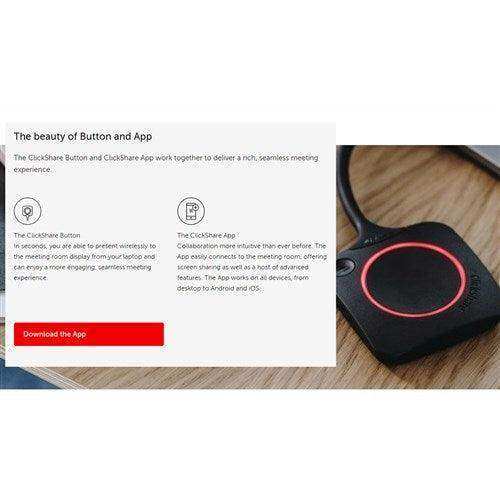
The Barco ClickShare C-5 Gen 2 is a wireless presentation system for small and medium meeting rooms and huddle spaces. It delivers one-click screen sharing from any laptop or mobile device using a ClickShare Button or the ClickShare app, with full BYOD support. The C-5 is a presentation hub and does not provide room dock functionality for wireless conferencing, so there is no built-in camera or microphones. The ClickShare Button is sold separately.
Product Description
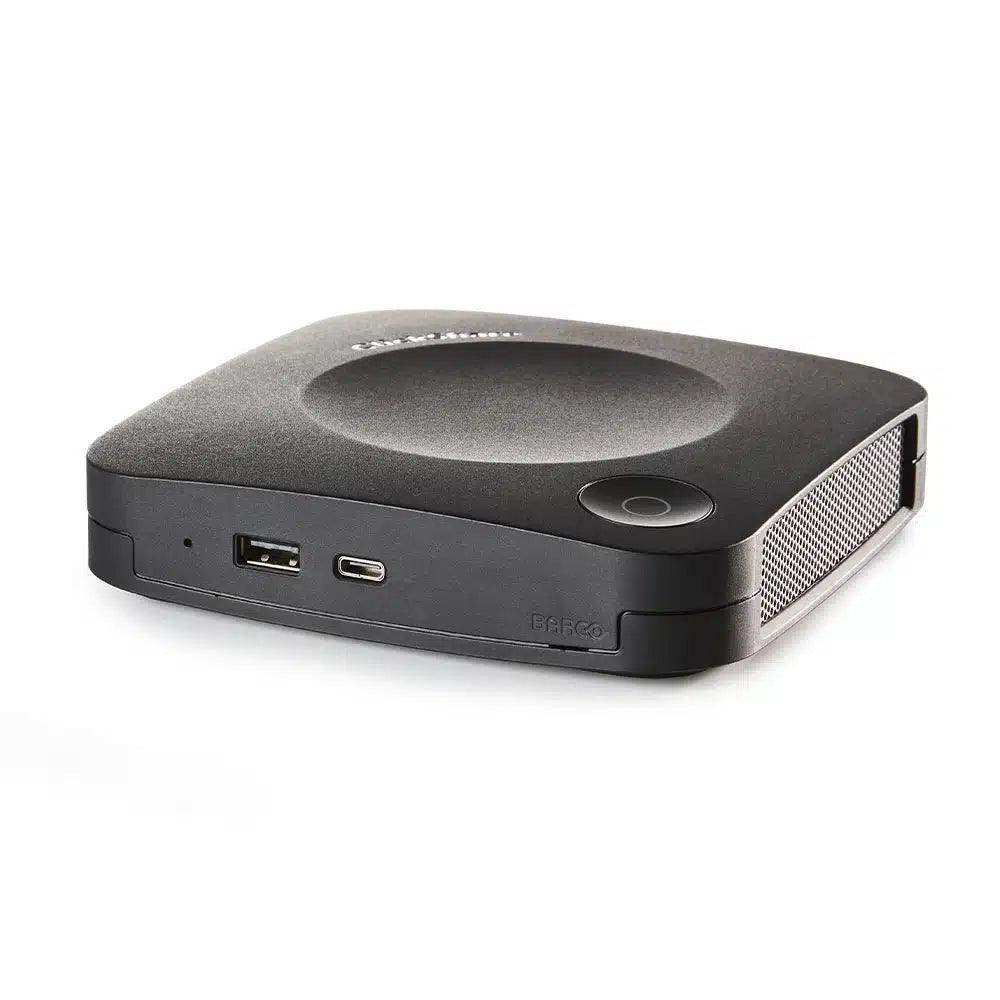
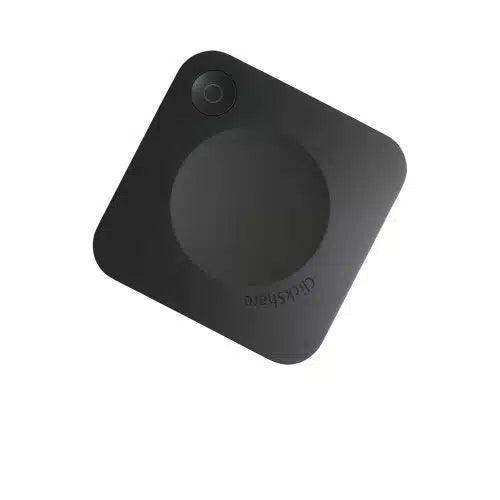
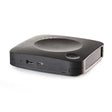
ClickShare C-5 connects to a room display over HDMI and lets users mirror content without cables, making it a straightforward fit for the smallest rooms. As shown in the product gallery, the compact puck-shaped base unit sits near the display or on the table. Laptops connect via the ClickShare Button or desktop app, while smartphones and tablets connect through the mobile app or screen mirroring with AirPlay, Google Cast, or Miracast. The C-5 supports interactivity features such as touchback, annotation, blackboarding, and moderation, plus Ethernet and VLAN network integration. A Gen4 ClickShare Button is required and sold separately. For larger rooms with two-source sharing, see the ClickShare C-10; for full wireless conferencing with camera and audio, compare the ClickShare CX-20. Browse the full range in our Barco ClickShare collection.
Key Features
- One-click wireless presentation — Share content with a single click on the ClickShare Button or the ClickShare app.
- Full BYOD support — Works with laptops via Button or desktop app and mobile devices via app or screen mirroring.
- Screen mirroring protocols — Supports Apple AirPlay, Google Cast, and Miracast for mobile devices.
- Interactive features — Touchback support, annotation, blackboarding, and moderation.
- 4K resolution — Outputs up to 3840x2160 at 30Hz over HDMI.
- Compact form factor — A small base unit sized for huddle rooms and small meeting spaces.
- Network integration — Connect via Ethernet and integrate into a dedicated VLAN across multiple units.
- Secure and cloud-managed — Encrypted with WPA2-PSK and managed centrally through Barco XMS.
Typical Applications
- Huddle rooms and small meeting spaces
- Medium conference rooms
- Quick ad hoc presentation areas
- Rooms with mixed laptop and mobile devices
Technical Specifications
| Type | Wireless presentation system (BYOD); no room dock/conferencing |
| Max resolution | 3840x2160 @30Hz |
| Interactivity | Touchback, annotation, blackboarding, moderation |
| ClickShare Button | Sold separately (Gen4, USB-C) |
| Mobile sharing | ClickShare App; AirPlay, Google Cast, Miracast |
| Wireless protocol | IEEE 802.11a/g/n/ac; IEEE 802.15.1; IEEE 802.1x |
| Max transfer distance | 98 ft (30m) |
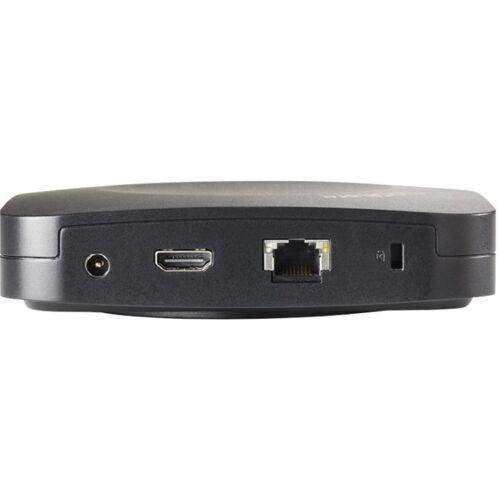
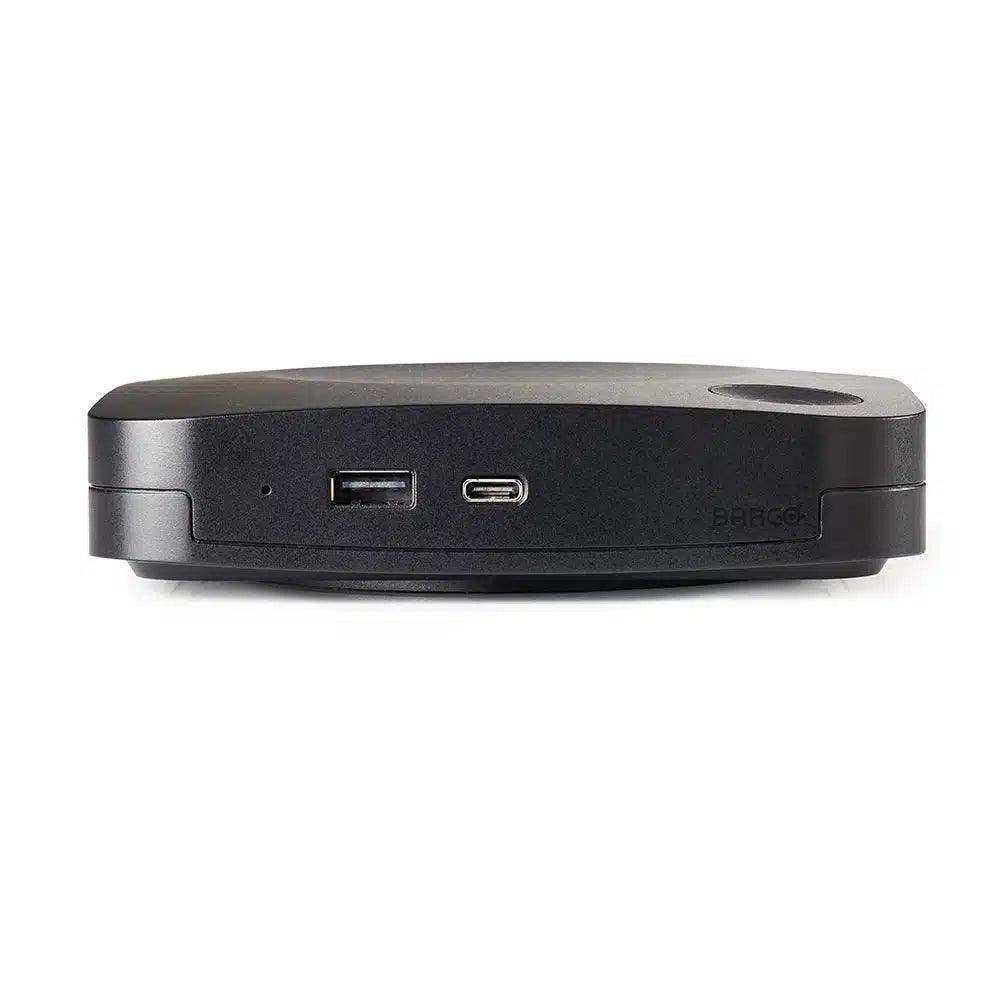
| Interfaces | 1x HDMI output, 1x USB 2.0 Type-A, 1x Ethernet 1000Base-T RJ-45, 1x USB 2.0 Type-C |
| Operating system support | Windows 8/8.1/10, macOS 10.13+, iOS 12+, Android 9.0+ |
| Security & management | WPA2-PSK encryption; cloud-managed via XMS; Kensington lock |
| Dimensions (WxDxH) | 5.3 x 5.3 x 1.3 in; 31.74 oz |
| Power | External adapter, AC 110/220V; 10W operational |
| Certifications | FCC |
| Warranty | 1 year limited |
Frequently Asked Questions
Does the ClickShare C-5 work with Teams and Zoom? The C-5 is a wireless presentation system, not a conferencing system, so it mirrors content to the room display. Laptops running Teams, Zoom, or Webex can present through the Button or app, but the C-5 does not include a room camera or microphones.
Is a ClickShare Button included? No. The ClickShare Button is sold separately. Users can also share using the ClickShare desktop and mobile apps.
What is the difference between the Button and the app? The Gen4 ClickShare Button is a plug-and-share USB-C transmitter for one-click presentation, while the apps let users share from a device without a Button.
What room size is the C-5 designed for? The C-5 is intended for small and medium meeting rooms and huddle spaces, with wireless reach up to 98 ft (30m).
How is it managed and secured? Content is encrypted with WPA2-PSK, and units are centrally managed and updated through Barco XMS, with Ethernet and VLAN integration options.
What warranty applies? The C-5 carries a 1-year limited warranty.
At Creartion Networks, we do everything we can to create an excellent customer experience. This includes fast shipping and easy returns.
- Most in-stock orders placed Monday-Friday ship within 24-48 hours. General restrictions apply; please see our full shipping policy here.
- We offer a 30-day return policy from the delivery date on many products. Product restrictions apply. Restocking fees for the return of open-box items. Please see our full return policy here for more information.
Nationwide Audiovisual Services, Design, Installation & Support
Creation Networks is a trusted nationwide partner for complete audiovisual solutions — delivering expert AV system sales, professional design, programming, installation, and ongoing support to organizations across the United States.
From Microsoft Teams Rooms and enterprise video conferencing to LED video walls, live streaming production, and hybrid collaboration systems, we provide end-to-end AV integration using premium, certified technology from industry leaders including Crestron, Q-SYS, Shure, Extron, and Absen.
Whether you operate a single location or manage facilities nationwide, Creation Networks ensures your AV systems are designed for reliability, scalability, security, and long-term performance — helping your organization communicate more effectively and operate at peak efficiency.
CREATION NETWORKS — A PARTNER YOU CAN TRUST SINCE 2006


