
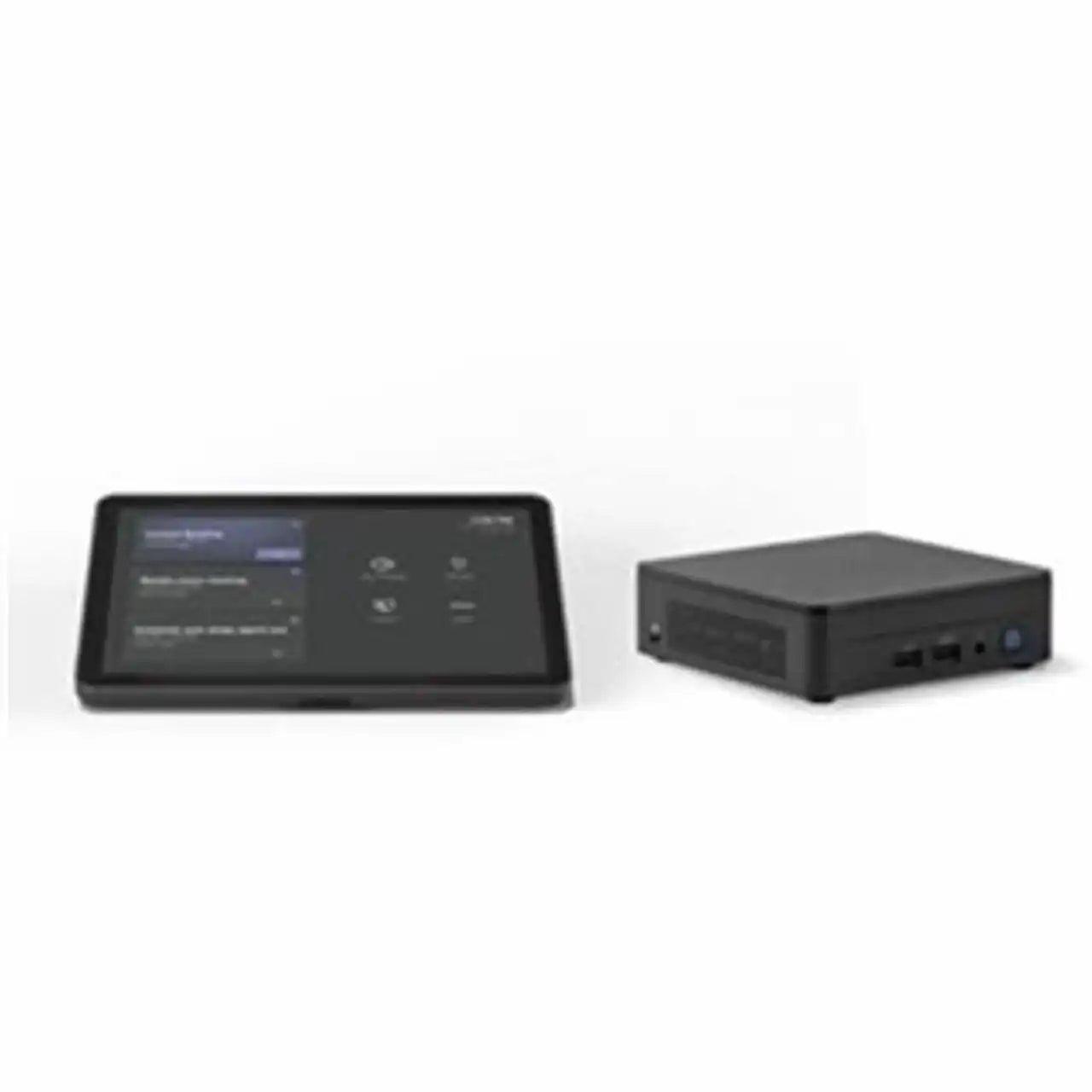

Logitech BASE Microsoft Teams Rooms (no AV) with Tap + ASUS® NUC

Logitech BASE Microsoft Teams Rooms (no AV) with Tap + ASUS® NUC is backordered and will ship as soon as it is back in stock.
Shipping Availability*
Shipping Availability*
Free Ground Shipping on Most Orders Over $250.00
Looking for the best price or expert advice? Give us a call at 1-888-230-3661 or use the Live Chat below. Buying 1 or 100, you may qualify for greater savings beyond the advertised price.

Logitech BASE Microsoft Teams Rooms (no AV) with Tap + ASUS® NUC
Product Overview
The Logitech BASE Microsoft Teams Rooms kit pairs the Logitech Tap touch controller with an ASUS NUC compute device for a native Microsoft Teams Rooms platform. This is a compute-and-control bundle intended to be completed with a separately sourced camera and audio peripheral. It is designed for small to medium meeting spaces and for organizations standardizing the Teams Rooms join experience across many rooms. As a BASE kit, audio and video peripherals are not included.
Product Description
This BASE bundle supplies the compute and control foundation of a Microsoft Teams Rooms deployment. The ASUS NUC runs Microsoft Teams Rooms on Windows, managing meeting logic, calendar-based scheduling, and one-touch join. The Logitech Tap provides a 10.1-inch touchscreen with quiet-touch glass and a single-cable connection to the compute, with integrated cable retention for a clean installation. Standardizing on this compute-and-control pairing gives users a consistent meeting-join workflow in every room and simplifies IT support and provisioning. Because camera and audio are not bundled, integrators can match the appropriate Logitech conferencing peripheral to each room size and acoustic profile. The kit is well suited to phased rollouts where AV hardware is procured independently. Centralized administration is available through Microsoft Teams Rooms admin tools and Logitech Sync.

What's Included
- Logitech Tap touch controller (10.1-inch touchscreen)
- ASUS NUC compute device pre-configured for Microsoft Teams Rooms
- Cabling and mounting hardware for the Tap controller
- Note: This is a BASE kit. Camera, microphone, and speaker (audio/video peripherals) are NOT included.
Typical Applications
- Small and medium conference rooms running Microsoft Teams Rooms
- Focus rooms and huddle spaces
- Phased Teams Rooms rollouts where AV is sourced separately
- Organizations standardizing the one-touch meeting-join experience
- Spaces where a camera and audio device are already in place
Technical Specifications
| Component | Detail |
|---|---|
| Platform | Microsoft Teams Rooms on Windows |
| Controller | Logitech Tap, 10.1-inch touchscreen, quiet-touch glass |
| Controller connection | Single-cable category cable run with cable retention |
| Compute | ASUS NUC mini PC pre-configured for Teams Rooms |
| Camera/Audio | Not included (BASE kit) |
| Management | Logitech Sync and Microsoft Teams admin tools |
Specifications sourced from Logitech datasheets.
Competitor Comparison
| Criteria | Logitech Tap + ASUS NUC BASE | Lenovo ThinkSmart Core | Poly G7500 Base |
|---|---|---|---|
| Platform | Microsoft Teams Rooms (Windows) | Microsoft Teams Rooms (Windows) | Teams/Zoom (Android-based codec) |
| Compute form factor | ASUS NUC mini PC | Integrated compute + controller bundle | Dedicated codec appliance |
| Controller | Logitech Tap touchscreen | ThinkSmart Controller | Poly TC10/TC8 touch controller |
| AV peripherals included | No (BASE kit) | No (compute bundle) | No (base codec) |
| Peripheral flexibility | High - pair any Logitech room camera/audio | High | Tied to Poly ecosystem |
| Management | Logitech Sync | Lenovo + Teams admin | Poly Lens |
For a Windows-based Teams Rooms compute-and-control foundation, the Logitech Tap + ASUS NUC offers broad peripheral flexibility comparable to a Lenovo ThinkSmart Core bundle while remaining platform-agnostic on the AV side.
Frequently Asked Questions
Does this kit include a camera, microphone, or speaker?
No. This is a BASE kit containing only the Logitech Tap controller and the ASUS NUC compute. A Logitech camera and audio peripheral must be added separately.
What video platform does it run?
It is configured for Microsoft Teams Rooms running on Windows.
Why choose a BASE kit?
BASE kits let integrators standardize compute and control across many rooms while matching camera and audio hardware to each specific room.
Can IT manage these rooms centrally?
Yes, through Microsoft Teams Rooms admin tools and Logitech Sync.
Is professional installation recommended?
Yes. Creation Networks can help source the matching Logitech AV peripherals and assist with deployment.
At Creartion Networks, we do everything we can to create an excellent customer experience. This includes fast shipping and easy returns.
- Most in-stock orders placed Monday-Friday ship within 24-48 hours. General restrictions apply; please see our full shipping policy here.
- We offer a 30-day return policy from the delivery date on many products. Product restrictions apply. Restocking fees for the return of open-box items. Please see our full return policy here for more information.
Nationwide Audiovisual Services, Design, Installation & Support
Creation Networks is a trusted nationwide partner for complete audiovisual solutions — delivering expert AV system sales, professional design, programming, installation, and ongoing support to organizations across the United States.
From Microsoft Teams Rooms and enterprise video conferencing to LED video walls, live streaming production, and hybrid collaboration systems, we provide end-to-end AV integration using premium, certified technology from industry leaders including Crestron, Q-SYS, Shure, Extron, and Absen.
Whether you operate a single location or manage facilities nationwide, Creation Networks ensures your AV systems are designed for reliability, scalability, security, and long-term performance — helping your organization communicate more effectively and operate at peak efficiency.
CREATION NETWORKS — A PARTNER YOU CAN TRUST SINCE 2006


