

Creation Networks
AV Experts
Nationwide • Since 2006
- AV Sales
- Design
- Integration
- Support
Professional AV Equipment Sales • Nationwide AV Design, Integration & Support | Creation Networks
Creation Networks — nationwide AV experts since 2006. Professional audio-visual equipment sales, AV system design, integration, and support for video conferencing, control systems, audio, and displays.
Microsoft Teams Room Packages and Systems

Change the way you collaborate with our Certified Microsoft Teams Room (MTR) packages and systems. With Creation Networks, you can enjoy tailored MTR packages and systems.
The Perfect Fit for Every Space
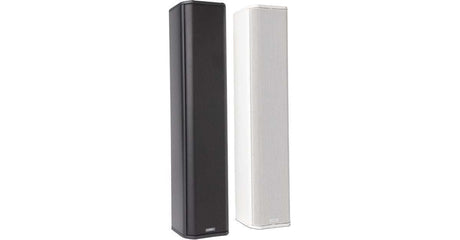
Our MTR packages include everything you need to get started, from small huddle rooms to large boardrooms. This includes interactive displays, ptz cameras, dsp systems, microphones, and speakers.
Small Rooms
Spaces that host two to six people need compact, all-in-one solutions. Linked cameras and microphones will provide clear audio and video without the need for extra devices. The Yealink A40 Collaboration MeetingBar is a great choice for this.
Medium Rooms
Medium rooms host six to 12 participants. That's why they need systems with large speakers, ceiling and wireless microphones, and panoramic cameras. The Nurevera HDL200 Soundbar is a great speaker for medium rooms.
Large Rooms
When it’s time for bigger meetings, our large-room systems with multiple ptz cameras and audio equipment ensure smooth communication. Unified communication solutions from QSC, Crestron, Extron, and Biamp ensure seamless collaboration. The Biamp Tesira UC Bundle is a great package for hosting 18 or more participants.
Signature Rooms
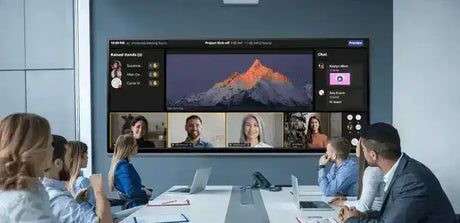
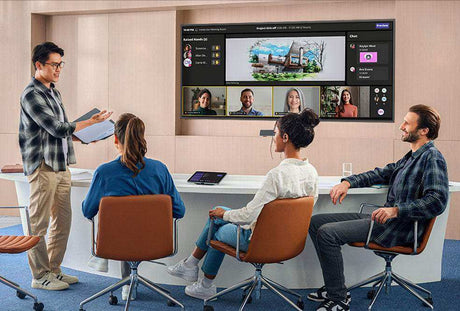
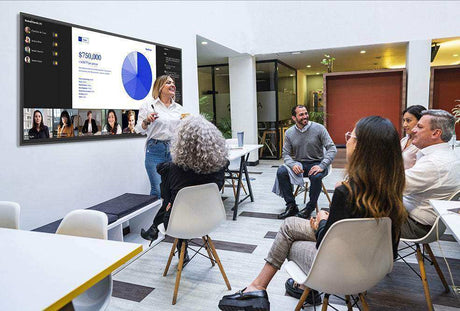
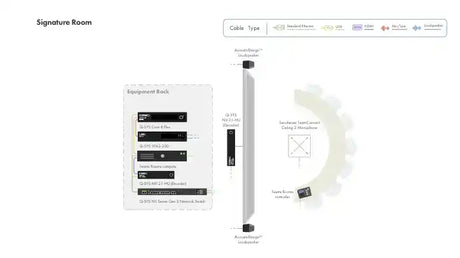
Microsoft Signature Teams Rooms are premium meeting room setups designed by Microsoft that combine certified hardware (like cameras, microphones, and displays) with Teams software to deliver an exceptional hybrid meeting experience. These rooms feature optimized layouts, AI-powered audio and video, and inclusive designs so every participant—remote or in-room—feels equally engaged. Improve hybrid meetings by creating a more inclusive and engaging experience. These rooms feature AI and spatial audio, bringing remote teams closer.
Training Rooms
MS Teams Rooms for training spaces are best for in-person and remote teams. These setups often include team-focused software that improves interaction during training.
Education
Microsoft Teams Rooms packages and systems for education bring students and educators together. They are the best for remote or hybrid classrooms. We equip these spaces with certified devices like cameras, microphones, and screens.
Improving Collaboration With Microsoft Teams Rooms
A Microsoft Teams Room helps your group focus on connecting and creating. Here’s how it can change daily meetings:
In Harmony with Microsoft Teams
Microsoft Teams Room systems work well with Microsoft Teams. You can schedule and join meetings directly from your calendar or the Teams app.
Studio-Quality in Every Meeting
Video conferencing can only be as good as its sound and image quality. With Teams Room systems, you get clear audio and 4K video.
For People, Not Engineers
You don’t need to be a tech expert to use Microsoft Teams Room. The system has a user-friendly interface, so anyone can set up or join a meeting.
Made for Your Future, Today
Our MTR systems grow with your needs. You can start with a simple setup and add components, such as more microphones or cameras, as your team expands.
Our Most Asked Questions
What Is a Microsoft Teams Room?
A Microsoft Teams Room (MTR) is a meeting space. MTR provides an excellent audio-visual experience for Teams meetings. It uses devices such as cameras, microphones, speakers, and displays, all linked with Microsoft Teams.
Is Microsoft Teams Room Free?
Yes, but only in some cases. Microsoft Teams Rooms Basic is a free tier (with limitations) that only requires you to assign a free Basic license to each device through the Microsoft 365 admin center. However, note that you’ll need to buy devices such as microphones and speakers.
How Do I Create a Teams Room?
A Teams room needs devices such as speakers and cameras. Also, you’ll need a Teams-certified system and reliable installation services from our team at Creation Networks.
How Does a Teams Room Device Work?
A Teams Room device, such as a Microsoft Teams console, connects directly to the internet. Once connected, the system allows you to join Teams meetings.
Are Teams Rooms Worth It?
Yes! If your business requires frequent video conferencing, Teams Rooms are worth it. They provide clear audio and 4K video, which improves communication and productivity.
Which Brands Offer the Best Teams Room Systems?
Top manufacturers include Logitech, Crestron, Poly, Q-SYS, and Lenovo. These brands are certified by Microsoft and meet professional standards.
How Do I Choose the Right Teams Room Setup?
The best setup depends on your room size and conferencing needs. For example, smaller rooms need all-in-one soundbars, while bigger conference spaces need more flexible setups with multiple displays.
SHOP ROOM TYPE & SIZES
-
-
-
MaxHub
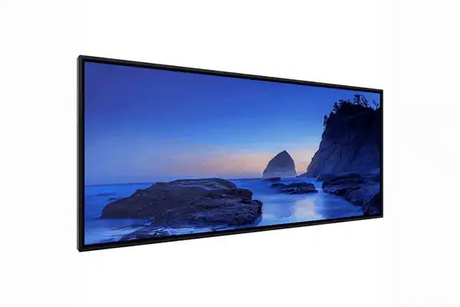
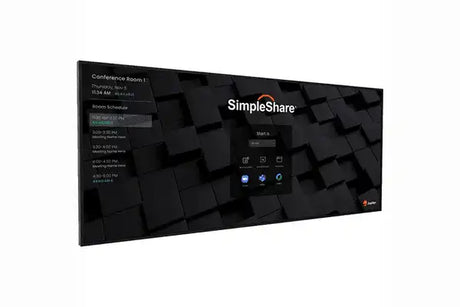
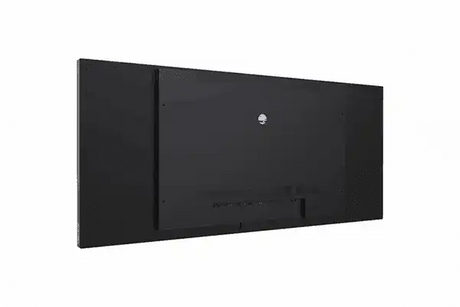
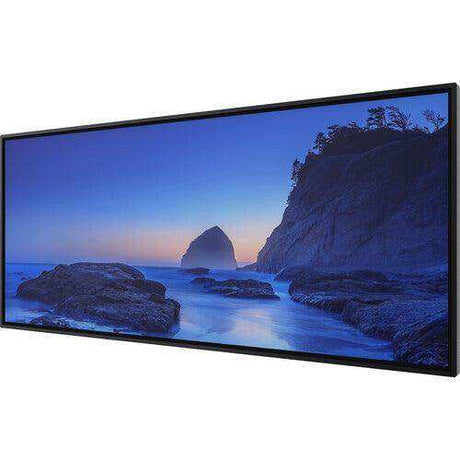
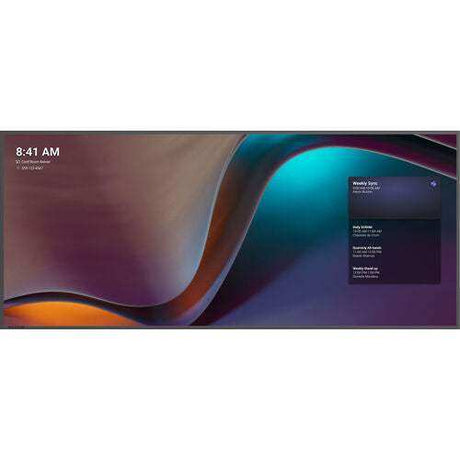
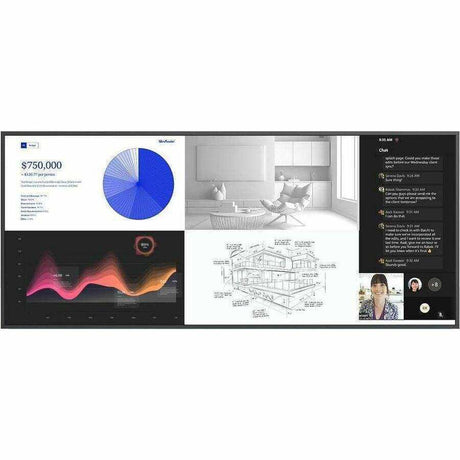
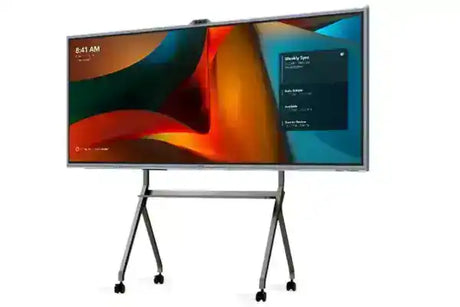
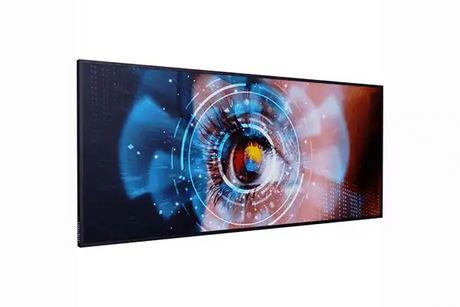
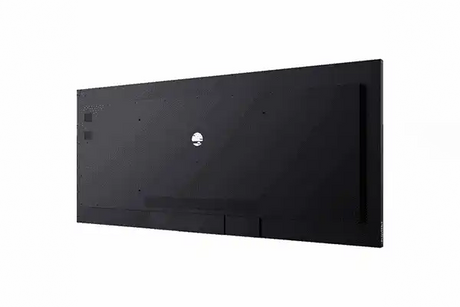
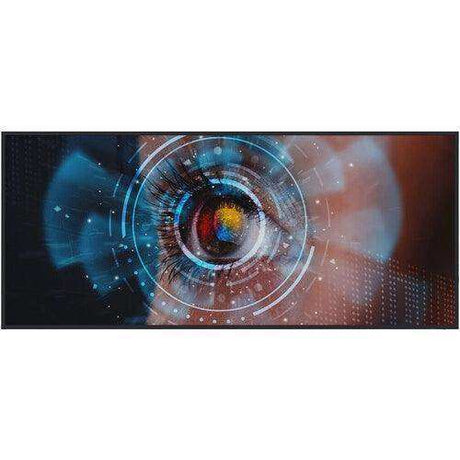
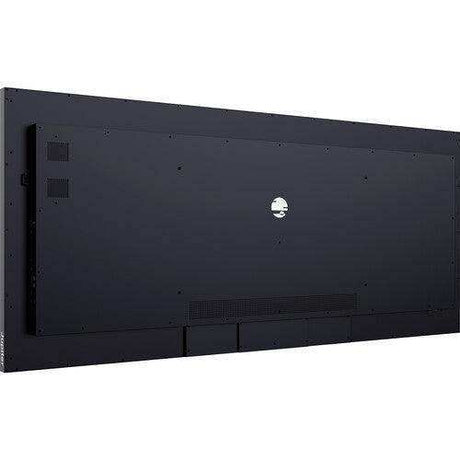
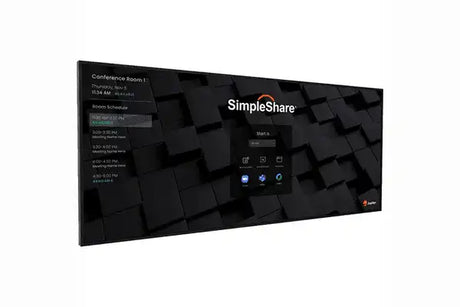
MaxHub UW92NA 92” Ultra Wide Commercial DisplayRegular price $8,193.00Unit price /Unavailable -
-
19% offNew arrival
QSC
Q-SYS Signature MTR Bundle – Complete Microsoft Teams Room Meeting SpaceRegular price $36,000.00 Sale price $29,000.00Unit price /Unavailable -
-
16% off
QSC
Q-SYS Signature Microsoft Teams Room – Spatial Audio BundleRegular price $16,702.99 Sale price $14,000.00Unit price /Unavailable -
-
6% off
MaxHub
MaxHub V925 XBoard V7 92” Ultra-Wide for Microsoft Teams RoomsRegular price $15,999.00 Sale price $14,999.00Unit price /Unavailable -
-
6% off
MaxHub
MaxHub V925T XBoard V7 92” Ultra-Wide for Microsoft Teams Rooms,4K InteractRegular price $15,999.00 Sale price $14,999.00Unit price /Unavailable -
-
16% off
Crestron
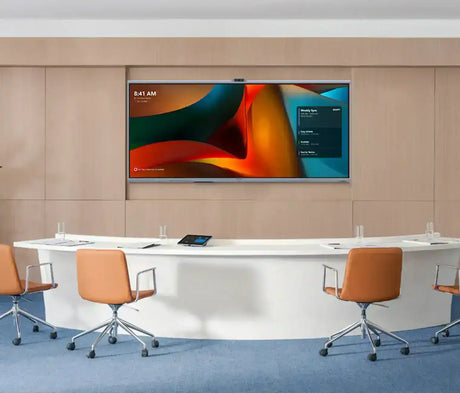
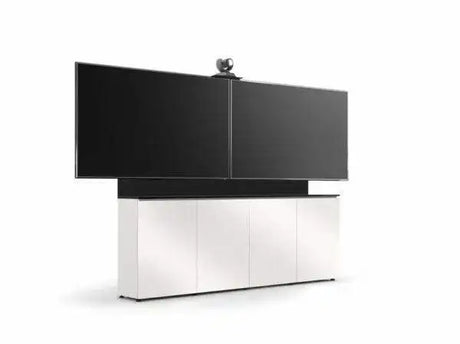
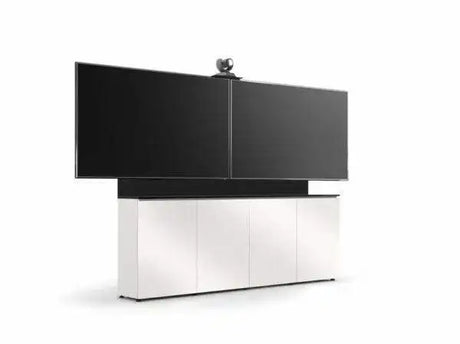
Crestron Medium Signature Microsoft Teams Room Ultrawide Display BundleRegular price $23,850.00 Sale price $20,000.00Unit price /Unavailable -
-
15% off
MaxHub
MaxHub UW105NA 105” Ultra Wide Commercial DisplayRegular price $12,357.00 Sale price $10,503.00Unit price /Unavailable -
-
Salamander Designs
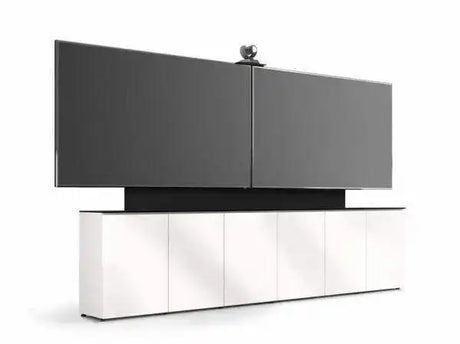
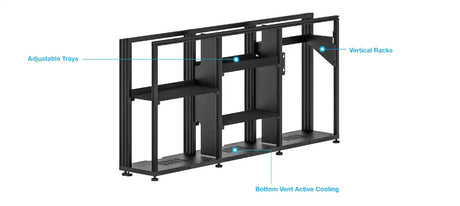
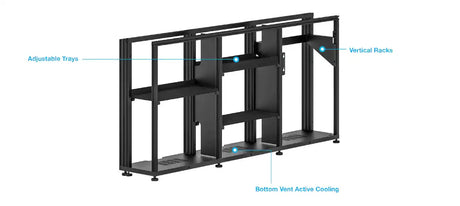
Salamander Signature Teams Rooms Low Profile (21.25"Deep) 6 Bay Free SRegular price $15,199.00Unit price /Unavailable -
-
Salamander Designs
Salamander Signature Teams Rooms Low Profile (12"Deep) 6 Bay Dry WallRegular price $12,499.00Unit price /Unavailable -
-
Salamander Designs
Salamander Signature Teams Rooms Low Profile (21.25"Deep) 4 Bay Free SRegular price $8,599.00Unit price /Unavailable -
-
Salamander Designs
Salamander Signature Teams Rooms Low Profile (12"Deep) 4 Bay Dry WallRegular price $7,999.00Unit price /Unavailable -
-
10% off
Crestron
Jupiter Small Signature Microsoft Teams Room Ultrawide Display BundleRegular price $21,000.00 Sale price $19,000.00Unit price /Unavailable -
-
-
-
-


















Frequently Asked Questions About Microsoft Teams Rooms
Clear, expert answers to the most common questions about Microsoft Teams Rooms (MTR) systems — from hardware selection and room design to deployment best practices. Written by our certified Crestron, Q-SYS, and Microsoft Teams Rooms specialists.
What is a Microsoft Teams Room system?
A Microsoft Teams Room (MTR) is a purpose-built, certified meeting room solution that combines professional AV hardware with the Microsoft Teams platform. It enables one-touch joining, content sharing, AI-enhanced cameras, and studio-quality audio for consistent, high-quality hybrid meetings.
What components do I need for a Teams Room setup?
A complete Microsoft Teams Room typically includes:
- Certified Teams compute device or PC
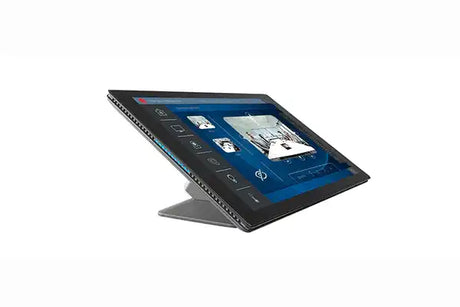
- Touch control console
- PTZ or AI-powered camera
- High-quality microphones (ceiling array or soundbar)
- Speakers and audio DSP (optional for larger rooms)
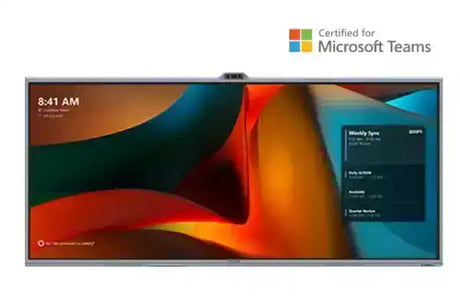
- Display(s) — single or dual 21:9 ultrawide recommended
Are all Teams Room systems compatible with Microsoft 365?
Yes. All certified Microsoft Teams Room systems are fully integrated with Microsoft 365. You can schedule, join, and manage meetings directly from the room console with native Teams functionality, calendar sync, and enterprise security features.
Which brands offer the best Teams Room systems?
Microsoft-certified leaders include:
- Logitech – Rally Bar series (excellent all-in-one)
- Crestron – Flex and Mercury systems
- Poly – Studio X and G7500
- Q-SYS – Native Teams integration
- Lenovo – ThinkSmart solutions
How do I choose the right Teams Room setup?
The best configuration depends on room size and use case:
- Huddle / Small rooms (4–6 people): All-in-one soundbars (Logitech Rally Bar)
- Medium conference rooms (8–12 people): Modular systems with PTZ cameras and ceiling mics
- Large / Executive rooms: Dual 21:9 displays, advanced audio DSP, and multiple cameras
Our specialists provide free room assessments and custom recommendations.
Can Creation Networks design and install Microsoft Teams Rooms nationwide?
Yes. We design, program, install, and support Microsoft Teams Rooms across all 50 states with consistent quality, documentation, and post-install training.
Do you provide full turnkey Teams Room deployment?
Absolutely. From needs assessment and design through procurement, installation, programming, staff training, and ongoing managed support — we handle the entire process as a single trusted partner.
How can I get started with a Microsoft Teams Room project?
Contact our Microsoft Teams Rooms specialists today for a free consultation, room assessment, and custom proposal.
Call 1-888-230-3661 or request a consultation online.


