

Creation Networks
AV Experts
Nationwide • Since 2006
- AV Sales
- Design
- Integration
- Support
Professional AV Equipment Sales • Nationwide AV Design, Integration & Support | Creation Networks
Creation Networks — nationwide AV experts since 2006. Professional audio-visual equipment sales, AV system design, integration, and support for video conferencing, control systems, audio, and displays.
Podcast & Recording Equipment | Professional Audio Solutions

Podcast Audio & Video Equipment
Starting your own podcast involves more than just having a great idea; it's equally important to choose the right equipment. After all, what good is a fantastic podcast concept if you lack the tools to effectively share it with your audience? Consider exploring kits and bundles to help you get started.
Choosing a Podcast Microphone
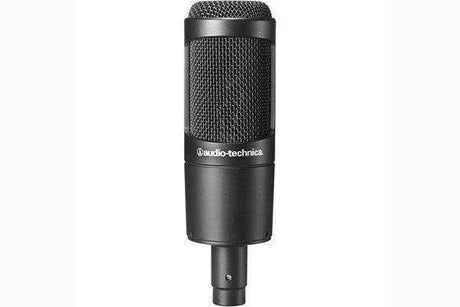
Choosing the best microphone for your podcast involves several important factors, including your recording environment, format, number of speakers, and budget.
Dynamic microphones are generally the preferred choice for podcasters because they naturally help to filter out unwanted sounds. On the other hand, condenser microphones, which are more sensitive, tend to pick up and amplify background noise and other distractions.
When selecting a microphone, you'll also need to decide on the type of connector. You can choose between USB and XLR connectors. XLR microphones are often favored for professional recording applications because they produce a rich, pleasant sound that complements most voices.
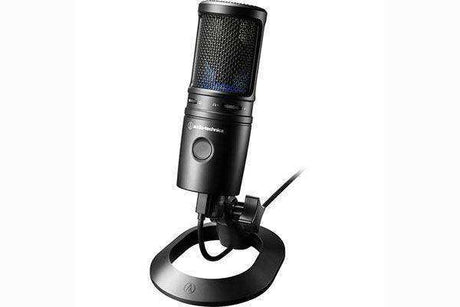
However, USB microphones offer several advantages that make them popular among podcasters. One of the main benefits of a good USB microphone is that they are typically more compact and portable than XLR microphones. Additionally, USB mics are more user-friendly; they are compatible with most phones and computers, easy to set up, and unlike XLR mics, they don't require an additional audio interface to operate.
Audio Accessories for Podcast
Once you have selected the best microphone for your podcast, it’s important to consider adding a few key audio accessories to optimize its performance and enhance the overall quality of your podcast.
One of the most essential accessories is a good pair of podcast-friendly headphones. Closed-back headphones are recommended for podcasts, as they provide accurate audio reproduction and playback.
If you’re using an XLR microphone, you will likely need an audio mixer or interface. This equipment not only facilitates the XLR connection but also offers several podcast-friendly features. These include mix-minus capabilities for phone calls and Zoom interviews, assignable sound pads, and options for multitrack mixing and recording.
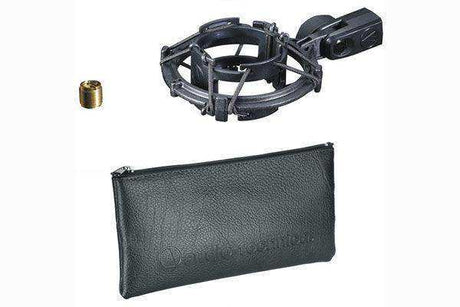
Another important accessory to consider is a broadcast arm for your microphone. A broadcast (or boom) arm allows you to position your mic precisely where you want it for optimal sound quality. Additionally, it creates a more professional appearance than simply placing the mic on a surface.
Choosing a Camera for Podcasting
If you're planning to start a video podcast, you’ll need more than just audio equipment. The first thing you’ll need is a suitable camera. When selecting the right camera for your podcast, focus on its capabilities rather than its type. Whether you choose a webcam, a mirrorless camera, or a camcorder, as long as the camera meets the necessary performance standards, you should be fine.
Specifically, you want to ensure that your podcast camera offers good video quality; while 1080p is acceptable, 4K is ideal. Additionally, a strong autofocus feature is crucial to keep everyone on screen looking sharp and in focus. Another important specification to consider is the frames per second (fps). Most videos on YouTube are displayed at 30 fps, so you should select a camera that can capture video at 30 fps or higher to ensure good picture quality.
Other features worth considering include image stabilization, battery life, connectivity options, recording limits, low-light performance, and whether the camera has a flip-out or fully articulating display. The importance of each of these features will vary based on your podcast's specific needs, so evaluate them accordingly.
Frequently Asked Questions — Podcast & Recording Equipment
Strategic answers to the most searched questions about podcasting equipment, USB microphones, audio interfaces, recording kits, and professional setups for content creators and studios.
What equipment do I need to start a podcast?
A basic setup includes a quality microphone, audio interface or USB mixer, headphones, recording software, and a quiet space. Many all-in-one kits simplify the process.
What is the difference between USB and XLR microphones?
USB microphones are plug-and-play and great for beginners. XLR microphones offer higher quality and flexibility when paired with an audio interface.
What microphones are best for podcasting?
Dynamic microphones like the Shure SM7B or Rode PodMic are popular for their warm sound and background noise rejection. Condenser mics work well in controlled environments.
Should I use a boom arm and pop filter?
Yes. A boom arm improves positioning and reduces desk noise. A pop filter minimizes plosive sounds ("P" and "B" bursts).
What does an audio interface do?
An audio interface converts analog microphone signals to digital for your computer and provides phantom power, gain control, and low-latency monitoring.
Do I need a mixer for podcasting?
A small mixer or multi-channel interface is helpful for multi-host podcasts or when adding music and sound effects during recording.
What software is best for podcast recording?
Popular options include Audacity (free), Adobe Audition, GarageBand, and Reaper. Many creators also use Riverside.fm or Zencastr for remote recordings.
Should I record locally or use cloud recording services?
Local recording offers the highest quality. Cloud platforms like Riverside provide backup tracks and easier remote guest recording.
How do I build a professional podcast setup?
Start with a good microphone and interface, then add acoustic treatment, quality headphones, and reliable software. We can help design complete kits.
Do you provide podcast and recording equipment bundles?
Yes. We offer curated starter kits, professional setups, and expert recommendations tailored to your budget and needs.
-
20% off
-
-
38% off
Tascam
Tascam MIXCAST 4 Podcast Mixer, Recorder, and USB AudioRegular price $799.00 Sale price $499.00Unit price /Unavailable -
-
Audio-Technica
Audio-Technica AT2040USB Hypercardioid Dynamic USB Podcast MicrophoneRegular price $159.00Unit price /Unavailable -
-
Soundcraft
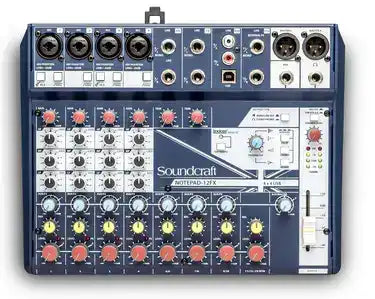
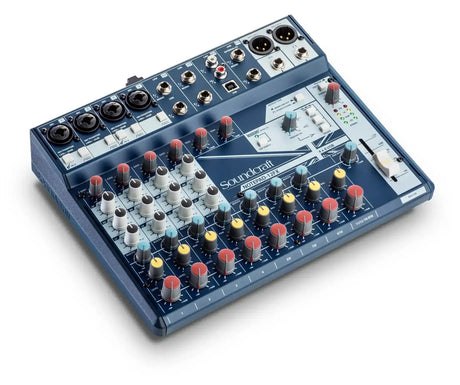
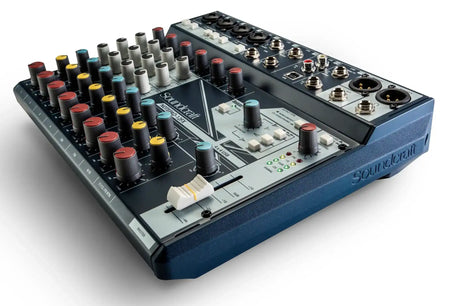
Soundcraft Notepad-12FX Small-format Analog Mixing Console with USB I/O andRegular price $270.00Unit price /Unavailable -
-
Soundcraft
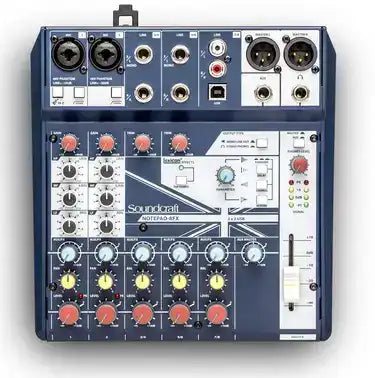
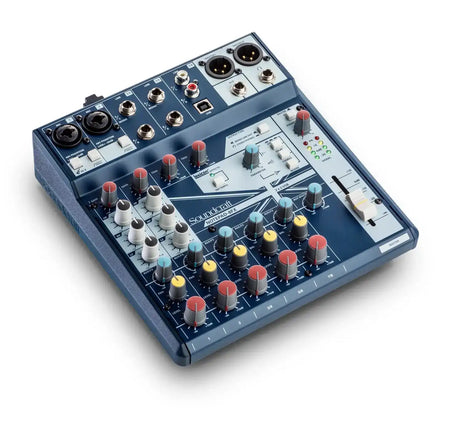
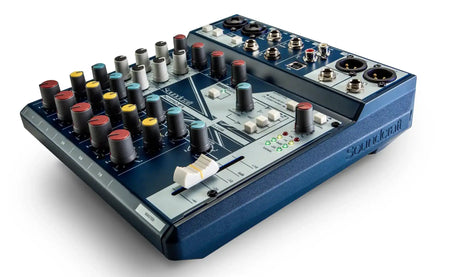
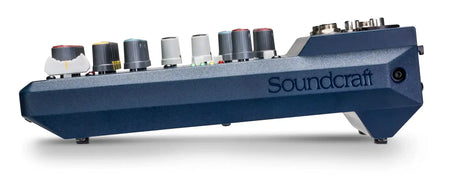
Soundcraft Notepad-8FX Small-format Analog Mixing Console with USB I/O andRegular price $235.00Unit price /Unavailable -
-
Soundcraft
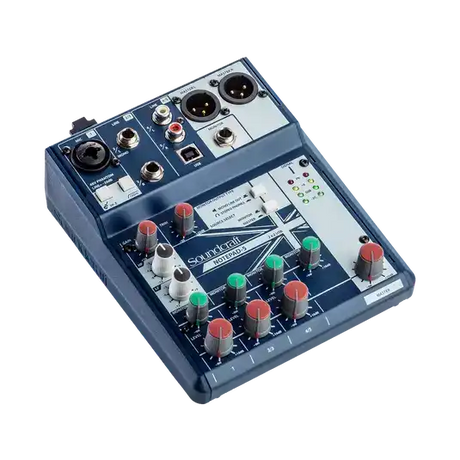
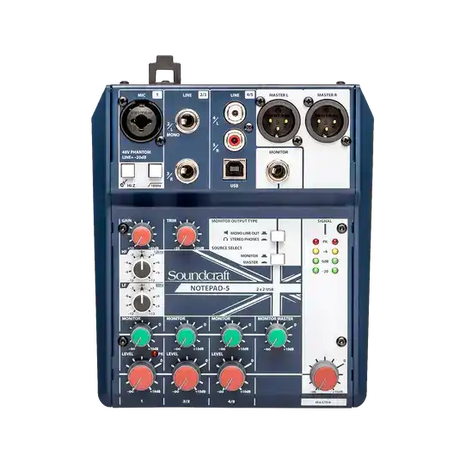
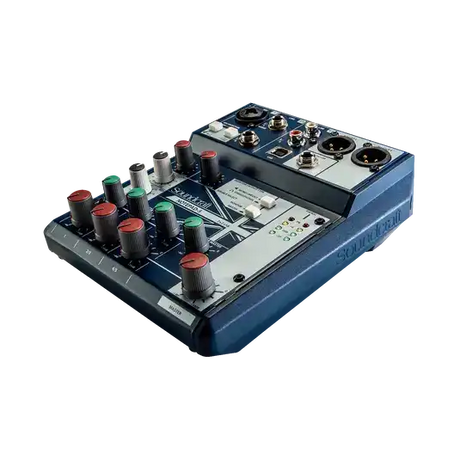
Soundcraft Notepad-5 Small-format Analog Mixing Console with USB I/O - 5085Regular price $155.00Unit price /Unavailable -
-
Marantz Professional
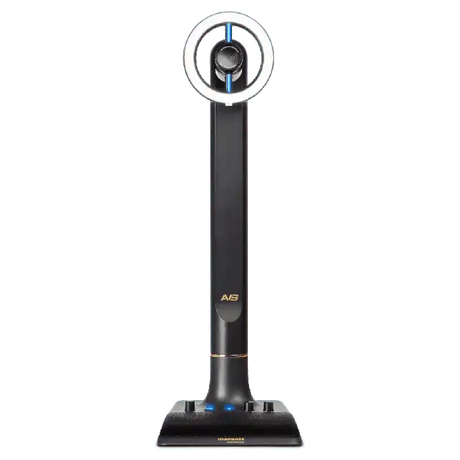
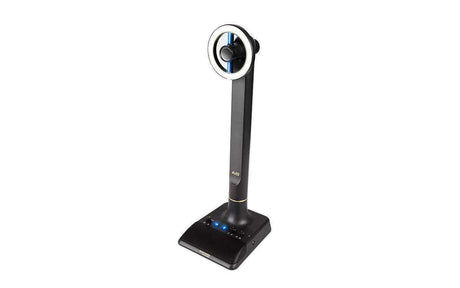
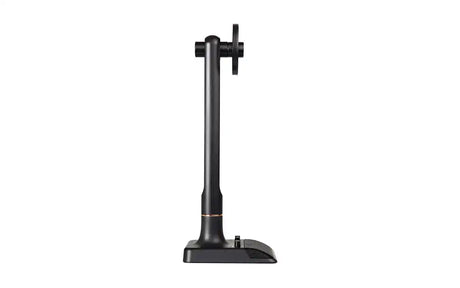
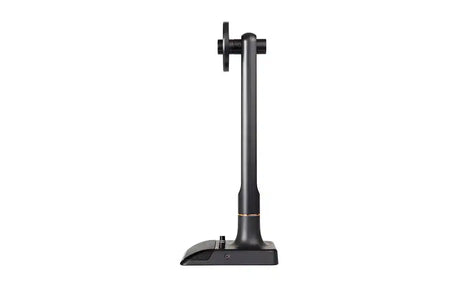
Marantz Professional AVS All-In-One Broadcasting SystemRegular price $99.00Unit price /Unavailable -
-
Audio-Technica
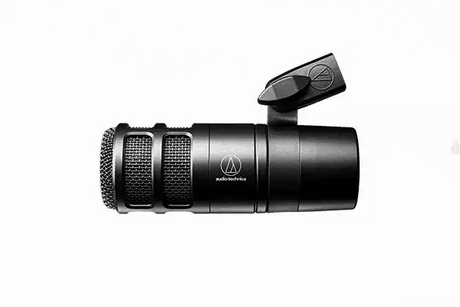
Audio-Technica AT2040 Hypercardioid Dynamic Podcast MicrophoneRegular price $109.00Unit price /Unavailable -
Audio-Technica
Audio-Technica AT2035 Side-address cardioid condenser microphoneRegular price $159.00Unit price /Unavailable -
-
Audio-Technica
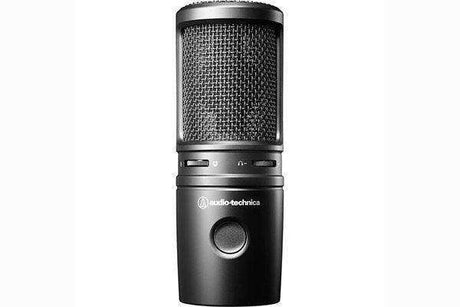
Audio-Technica AT2020USB-X Cardioid Condenser USB MicrophoneRegular price $169.00Unit price /Unavailable -
-
Audio-Technica
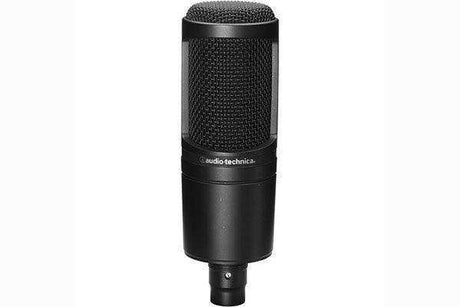
Audio-Technica AT2020 Side-address cardioid condenser microphoneRegular price $119.00Unit price /Unavailable -
-
15% off
Sennheiser
Sennheiser XS Lav USB-C Mobile Kit USB-C lavalier kit - 509259Regular price $118.00 Sale price $99.95Unit price /Unavailable -
-
20% off
Shure
Shure MOTIV MV88+ Video Kit Digital Stereo Microphone and Accessories for SRegular price $348.00 Sale price $279.00Unit price /Unavailable -
-
20% off
Shure
Shure Podcast XLR Microphone - MV7XRegular price $249.00 Sale price $199.00Unit price /Unavailable -
-
44% off
Tascam
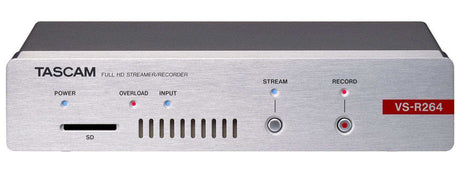
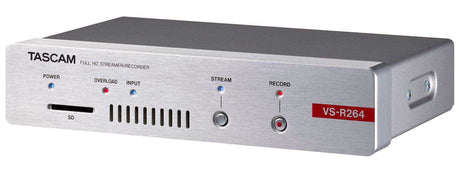
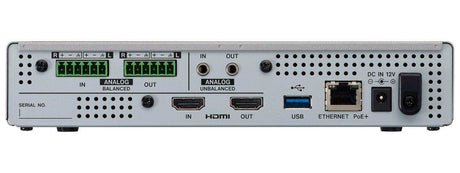
Tascam VSR-264 AV Over IP Encoder and Decoder Appliance for Full HD Live StRegular price $1,799.99 Sale price $999.00Unit price /Unavailable -
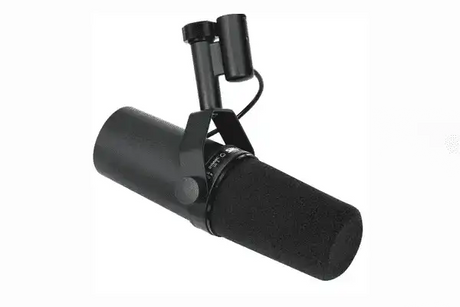


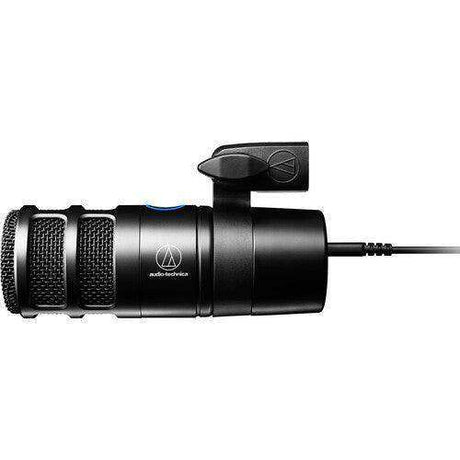
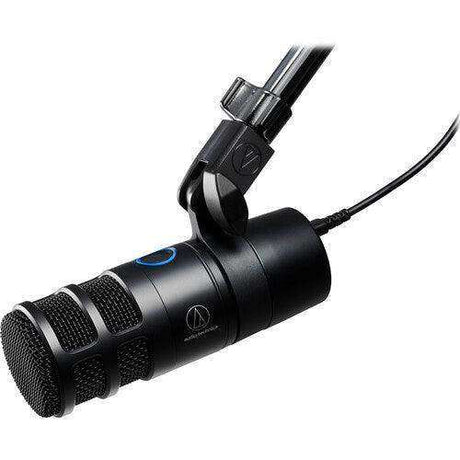


Nationwide Audiovisual Services, Design, Installation & Support
Creation Networks is a trusted nationwide partner for complete audiovisual solutions — delivering expert AV system sales, professional design, programming, installation, and ongoing support to organizations across the United States.
From Microsoft Teams Rooms and enterprise video conferencing to LED video walls, live streaming production, and hybrid collaboration systems, we provide end-to-end AV integration using premium, certified technology from industry leaders including Crestron, Q-SYS, Shure, Extron, and Absen.
Whether you operate a single location or manage facilities nationwide, Creation Networks ensures your AV systems are designed for reliability, scalability, security, and long-term performance — helping your organization communicate more effectively and operate at peak efficiency.
CREATION NETWORKS — A PARTNER YOU CAN TRUST SINCE 2006


